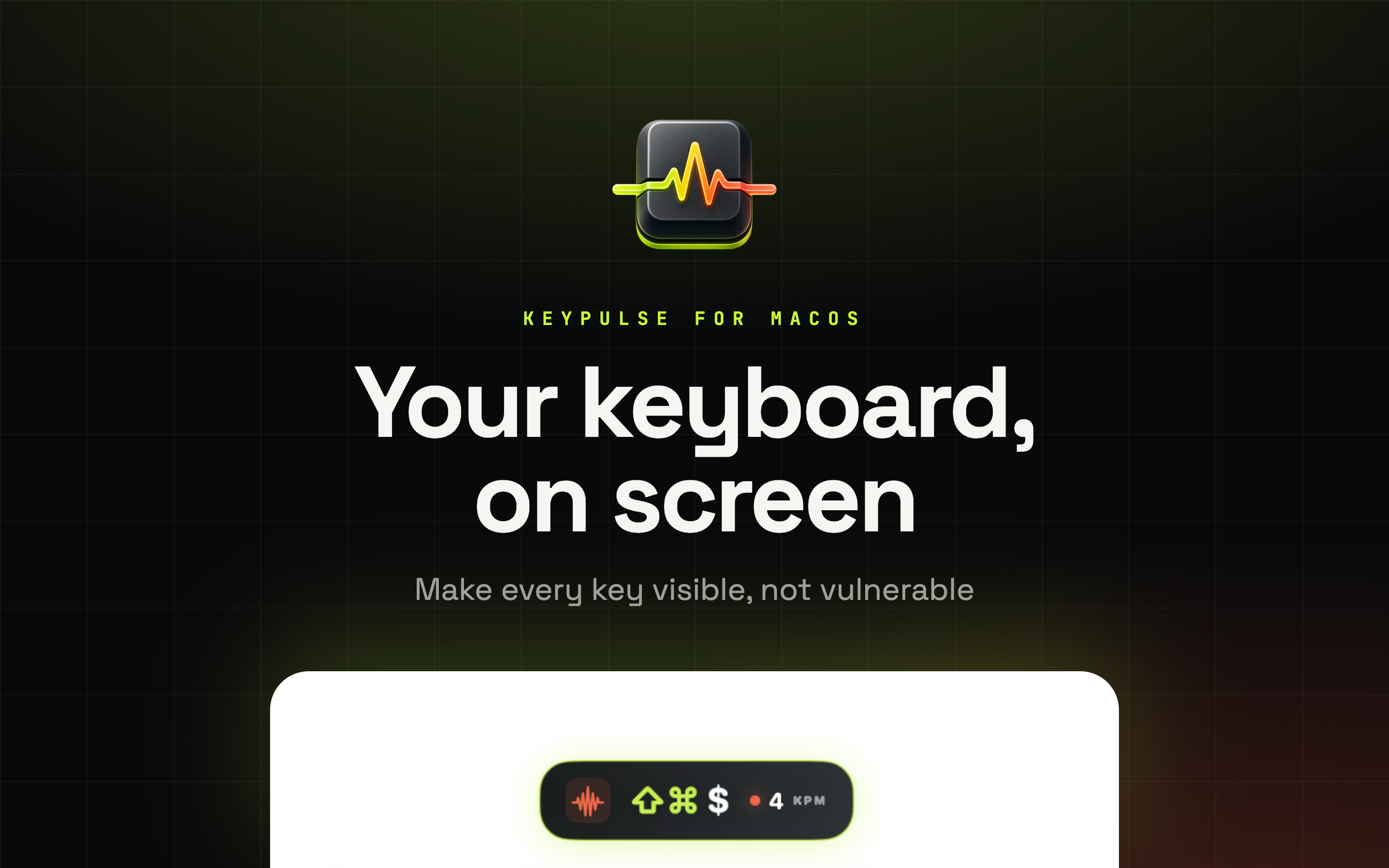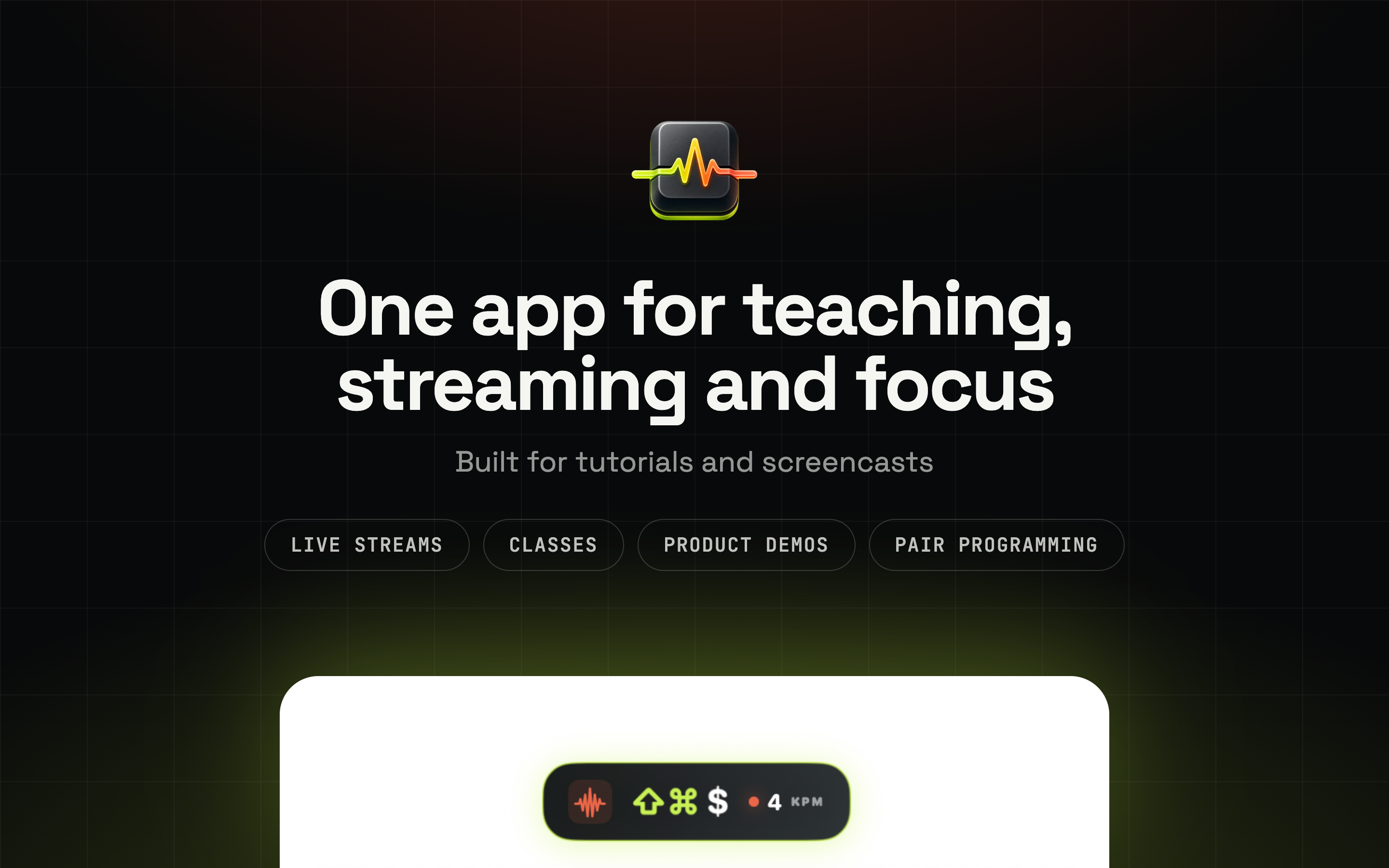
People watching a screencast keep rewinding to catch a shortcut. KeyPulse puts the keys on screen as you press them, holds each one long enough to read, then lets it fade. Your audience follows along without you narrating every combination.
Available on macOSPresses land in a live trail that stays up for as long as you set, then fades. Held modifiers show while you hold them, and a key you hammer collapses into a counter.
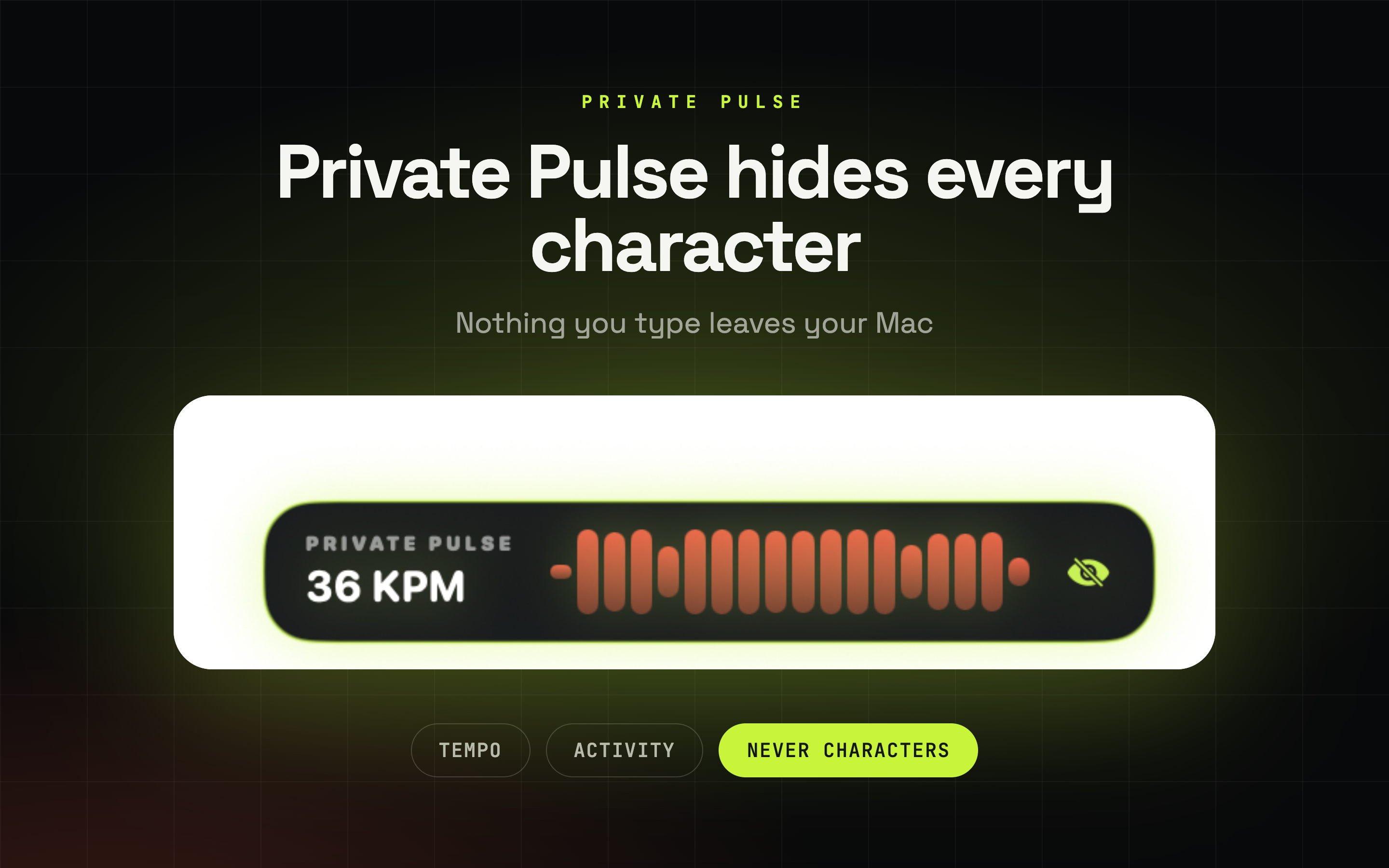
Private Pulse shows tempo and activity and never a single character. Good for calls and focus sessions where nothing you type should be readable.
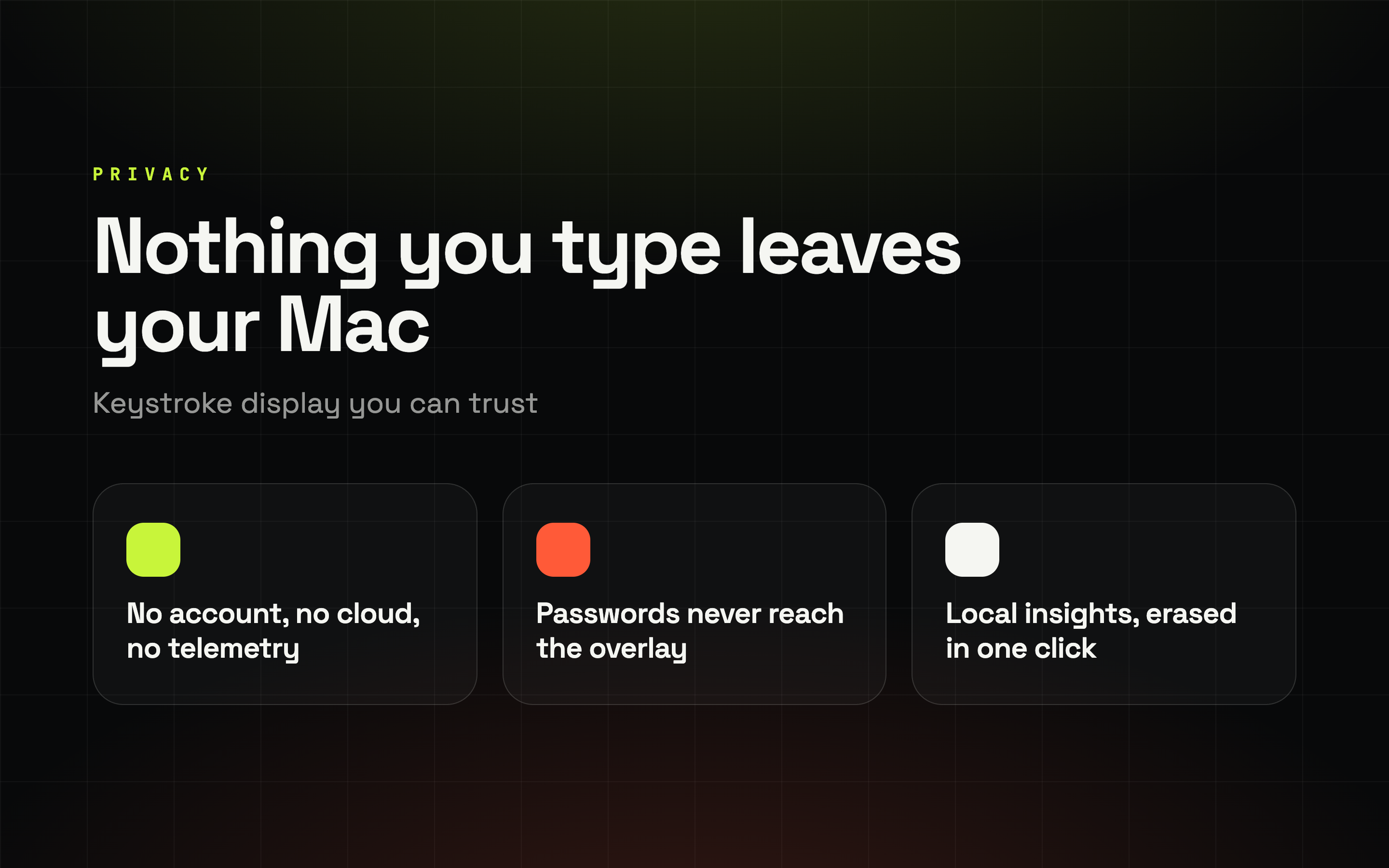
No account, no cloud, no telemetry. KeyPulse asks for Input Monitoring and nothing else - it never requests Accessibility, so it can't click or type for you.
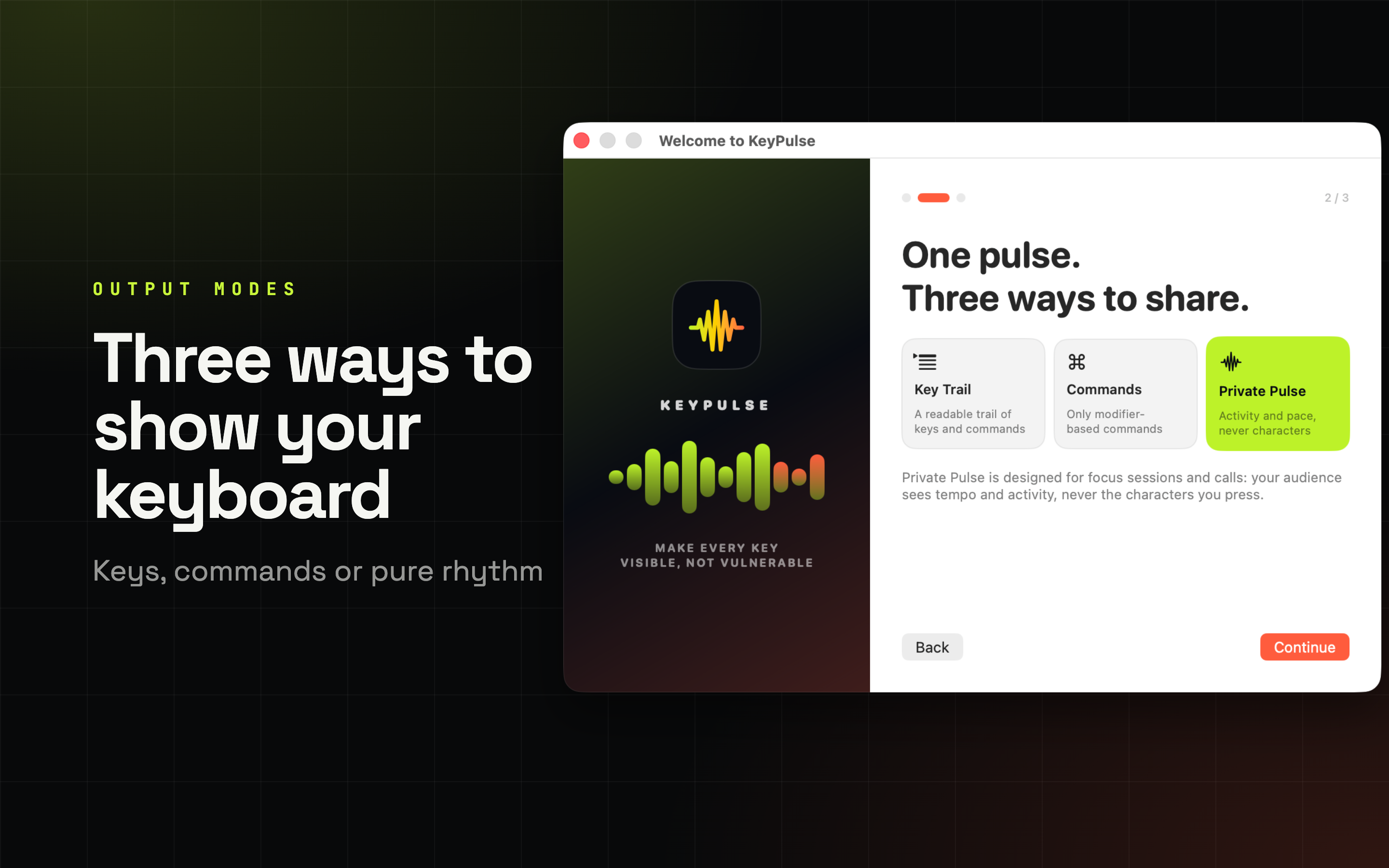
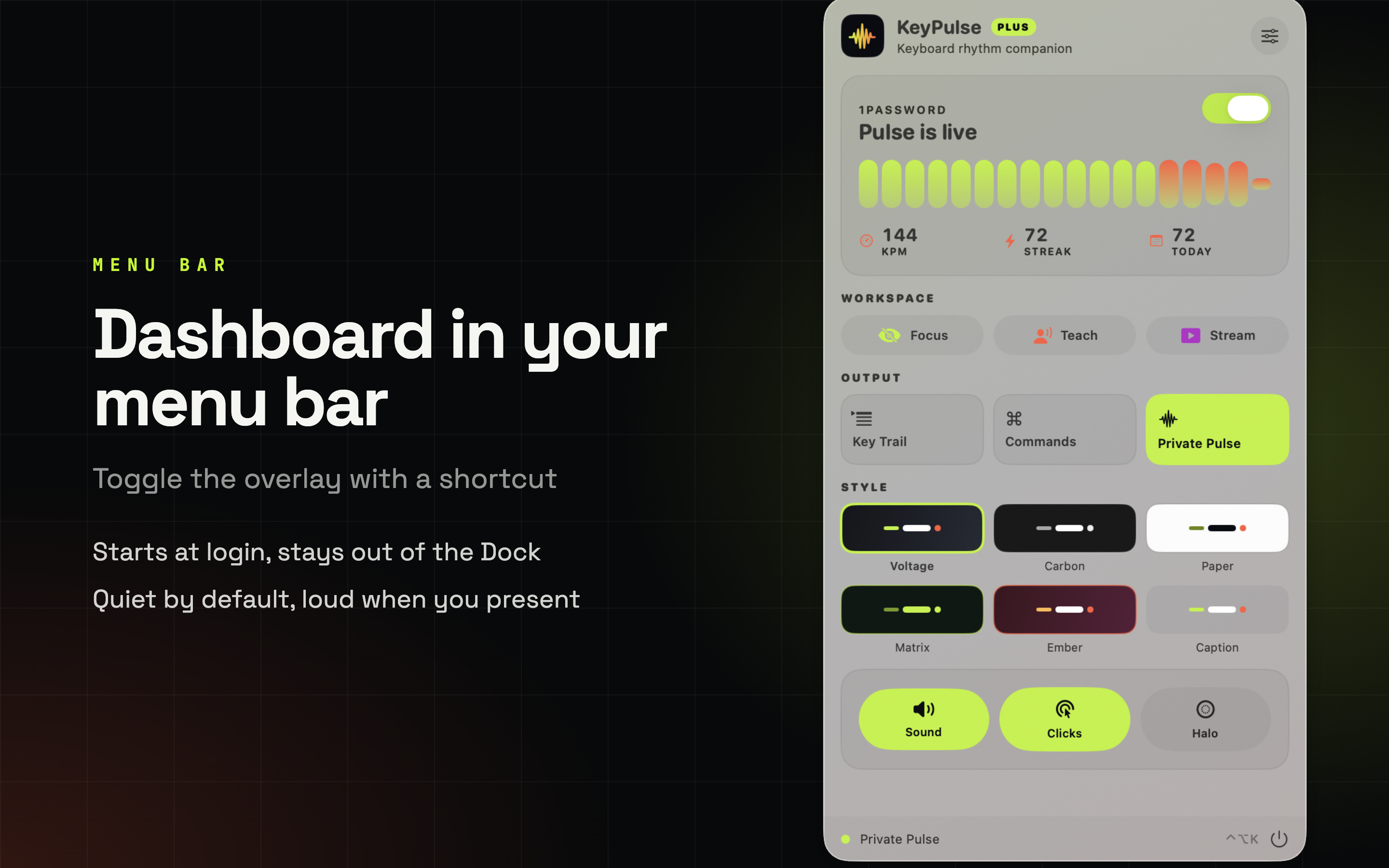
How much you reveal is up to the room you're in. Switch between the three from the menu bar without stopping what you're doing.
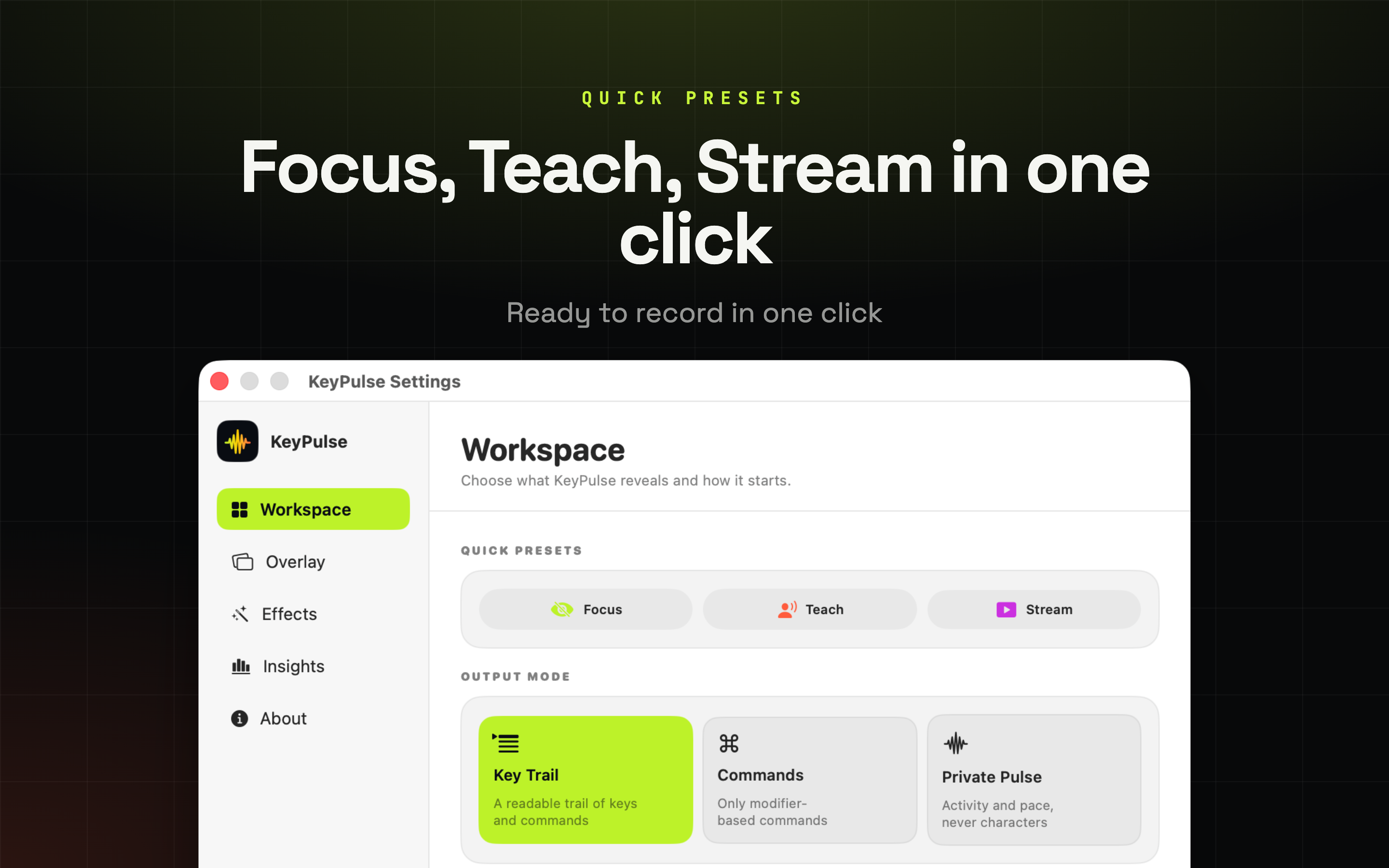
Key Trail
Everything you press, characters included. Use it when the audience has to follow key by key.
Commands
Only modifier shortcuts like Command-Shift-4 or Option-Command-I. Ordinary typing stays invisible, so the shortcut is what people notice.
Private Pulse
Activity and tempo, never characters. Built for focus sessions and calls.
Sometimes people should see that you're working, not what you're writing. Private Pulse draws the tempo as a moving waveform with a keys-per-minute readout, and no character ever reaches the overlay.
Safe to leave running
Share a screen on a call without worrying about what lands on the recording.
Secure Input is handled
When macOS locks a password field, the system stops sending keys. KeyPulse tells you on screen instead of just going blank.
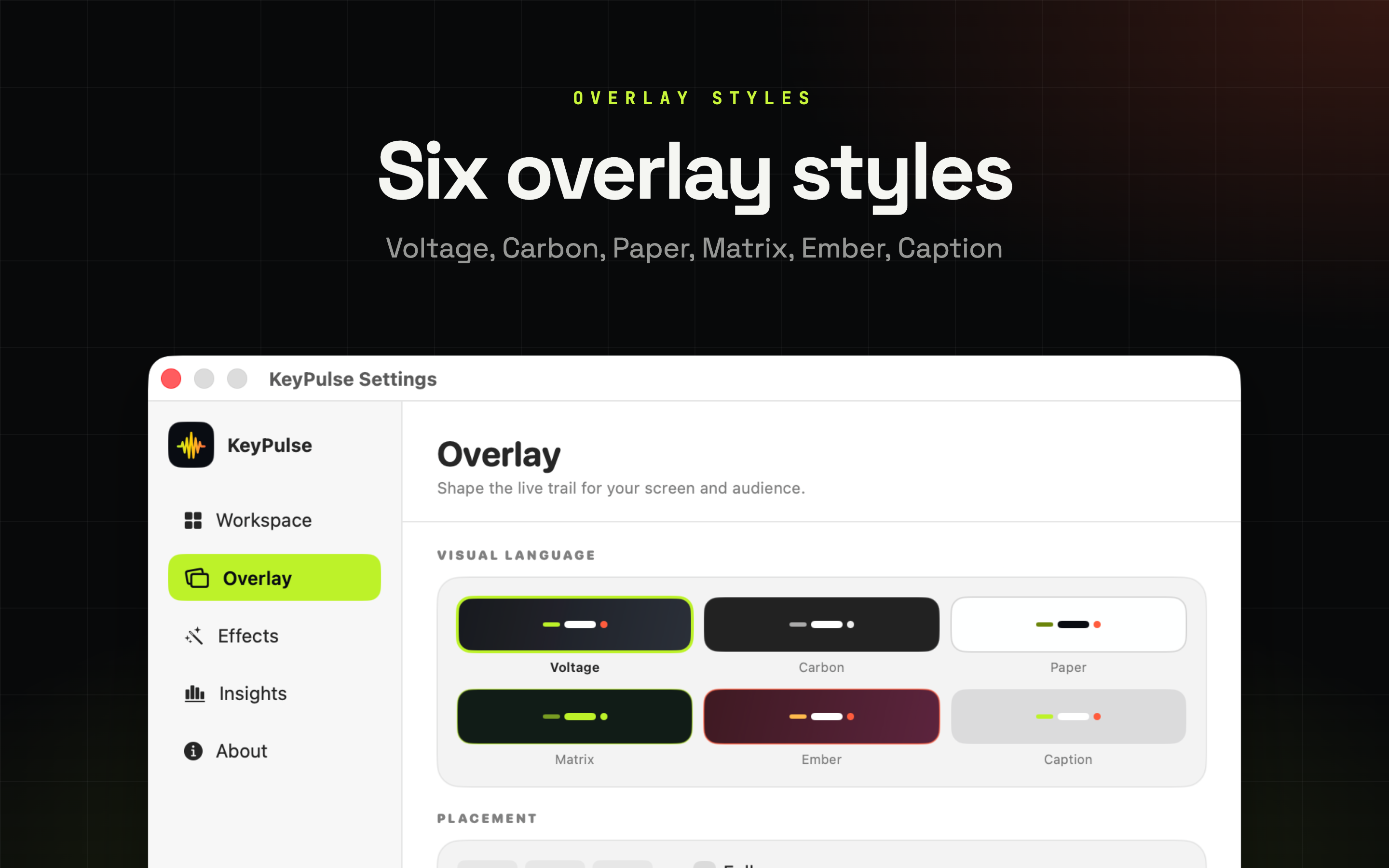
Six styles - Voltage, Carbon, Paper, Matrix, Ember and Caption - so the trail sits on a dark editor or a bright slide deck without fighting the background.
Nine anchor positions
Three sizes and a trail that lasts anywhere from 0.8 to 4 seconds.
Wherever you present
Main display, the one holding your cursor, or every connected display. Follow cursor keeps the trail next to the pointer.
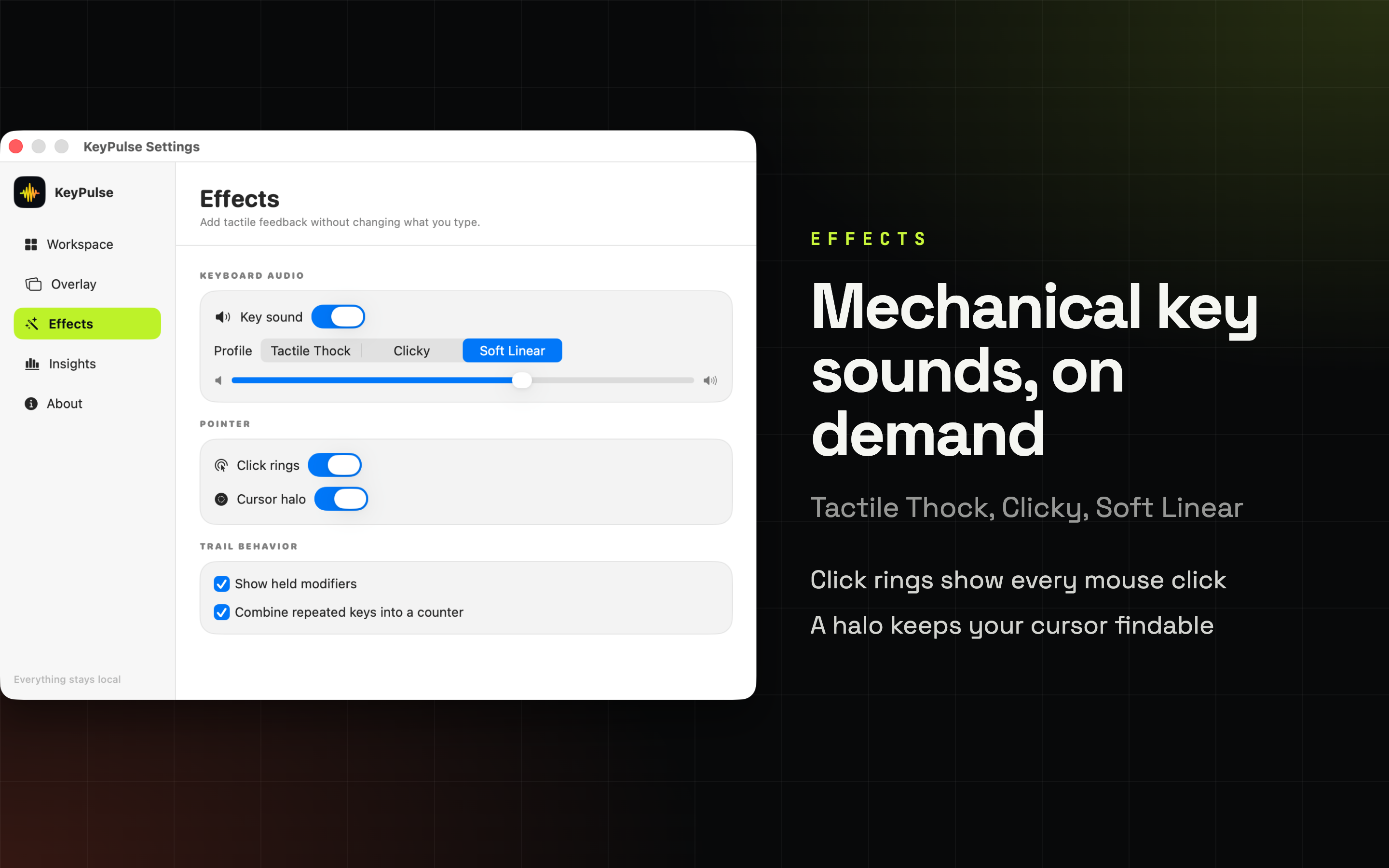
A mouse click is invisible in a recording until you draw it. Click rings mark every click and a cursor halo keeps the pointer findable on a busy screen.
Mechanical key sounds
Tactile Thock, Clicky or Soft Linear, with a volume slider. Nothing about what you type changes.
Click rings & cursor halo
Viewers see where you clicked instead of guessing from the result.
Each one switches mode, style, sound and effects together, so going from deep work to recording is a single click.
Quiet, characters hidden. For when the app is just running in the background.
Spells out every key with held modifiers, so a class can copy along.
Commands mode with click rings and the Ember style, ready for an audience.
Start from a workspace, then change anything - mode, style, sizes, effects.
Pick the workspace that matches what you're about to do and everything else follows.
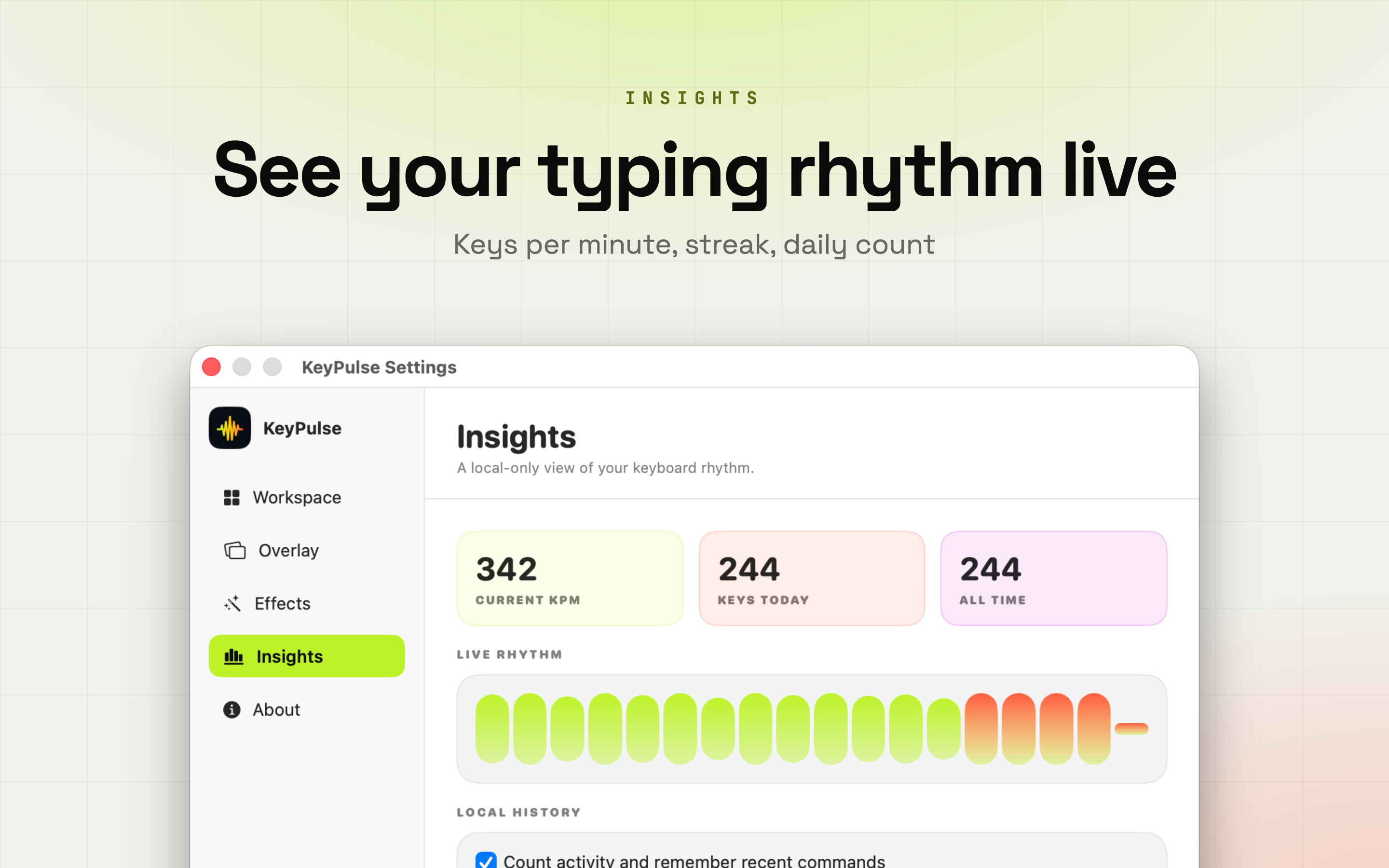
Keys per minute, current streak, keys today and all time, plus recent commands and the combinations you reach for most.
Numbers, not transcripts
Counts and command names, never the text you wrote.
Off or gone in one click
Statistics can be switched off entirely, and one click erases what's stored.
Details you only notice when they're missing.
Anywhere from 0.8 to 4 seconds, so keys hang around exactly as long as your pace needs.
Park the overlay anywhere on screen, in one of three sizes.
Main display, the display holding your cursor, or every connected display at once.
The trail travels with the pointer, so it's always near what you're pointing at.
Command, Option, Shift and Control show while you hold them, not after.
Hold a key down and it becomes one entry with a counter instead of a wall of characters.
When macOS stops delivering keys, KeyPulse says so on screen rather than silently stopping.
It never asks for Accessibility, so it cannot click or type on your behalf.
A three-step welcome tour gets you going, and you can replay it later from Settings.
A closer look at the modes, styles and controls you'll actually use on camera.
Anywhere someone is watching your screen and trying to work out what you just pressed.
The everyday modes cost nothing. Plus is for the days you're on camera.
Free forever, no account.
Everything in Free, plus the presenting kit.
Monthly or yearly, or buy a lifetime licence once.
Subscriptions are billed through your Apple Account and renew automatically unless cancelled at least 24 hours before the end of the current period. Manage or cancel anytime in Account Settings.
The things people ask before they download.
KeyPulse shows your keyboard on screen. Every key you press appears as a clean overlay, stays readable for a moment and then fades, so viewers can follow a shortcut without you pointing a camera at the keyboard or saying it out loud.
Key Trail shows everything you press, characters included. Commands shows only modifier shortcuts such as Command-Shift-4, so ordinary typing stays invisible. Private Pulse shows activity and tempo but never characters, which suits focus sessions and calls.
No. What you type never leaves your Mac. There is no account, no cloud and no telemetry, and local statistics can be switched off or erased with one click.
KeyPulse asks for Input Monitoring and nothing else. It never requests Accessibility, so it cannot click or type on your behalf. macOS asks for the permission the first time you switch the visualizer on, and you can revoke it in System Settings at any time.
When macOS turns on Secure Input for a password field, the system stops delivering keys to KeyPulse. Rather than going blank without explanation, KeyPulse says so on screen so you know why the trail paused.
Yes. Key Trail and Private Pulse, the Voltage and Carbon styles, the overlay in its standard position, live rhythm and counters are free forever. KeyPulse Plus adds Commands mode, all six styles, mechanical key sounds, click rings and cursor halo, every anchor position, multi-display and follow cursor output, and your command history - as a monthly or yearly subscription, or a one-time lifetime licence.
macOS 14 or later, plus Input Monitoring permission so KeyPulse can see key presses.
No account, no cloud, no telemetry. KeyPulse asks for Input Monitoring and nothing else, and the local statistics can be switched off or wiped whenever you want. Make every key visible, not vulnerable.
No account
Works offline
macOS native
Requires macOS 14 or later.