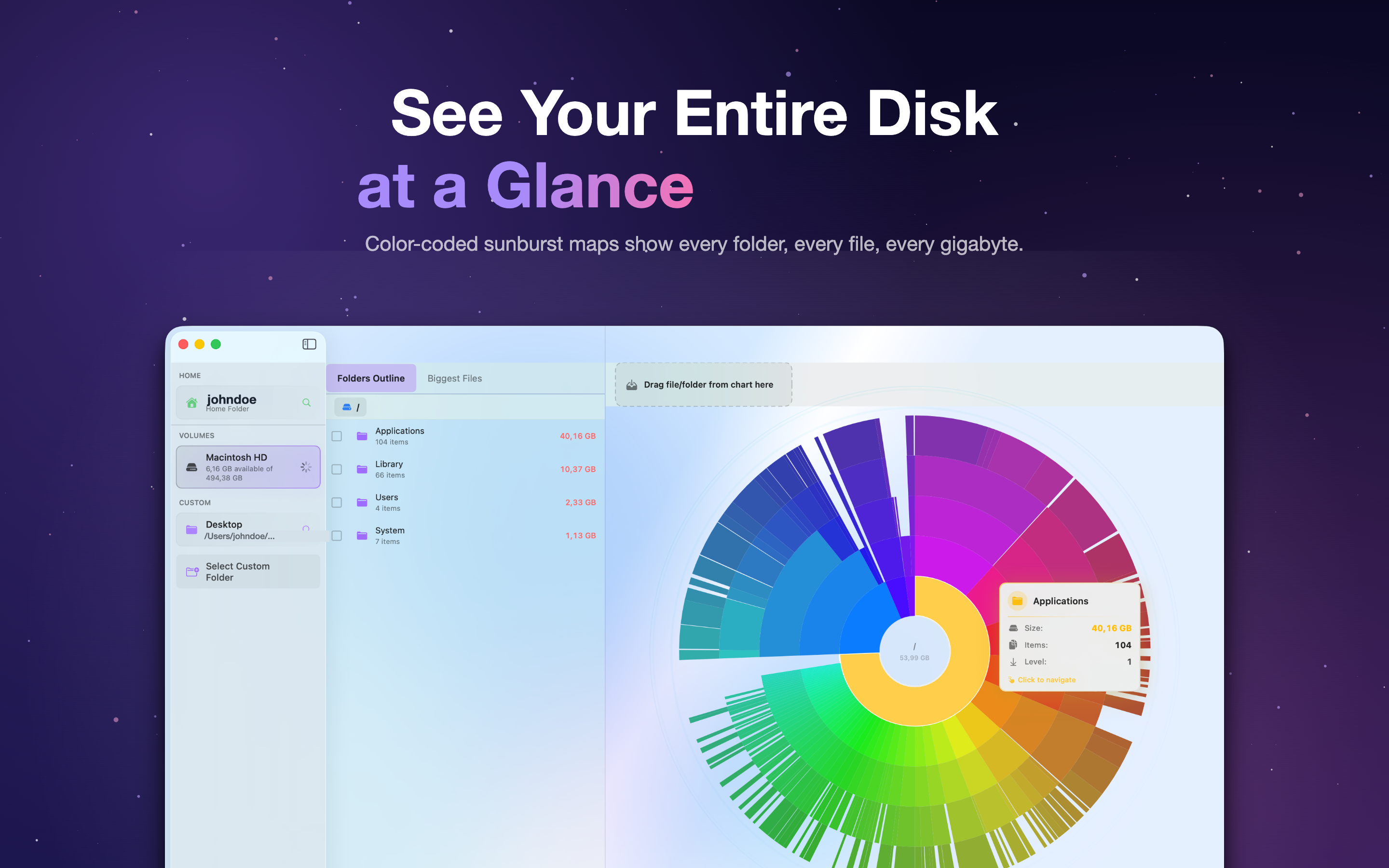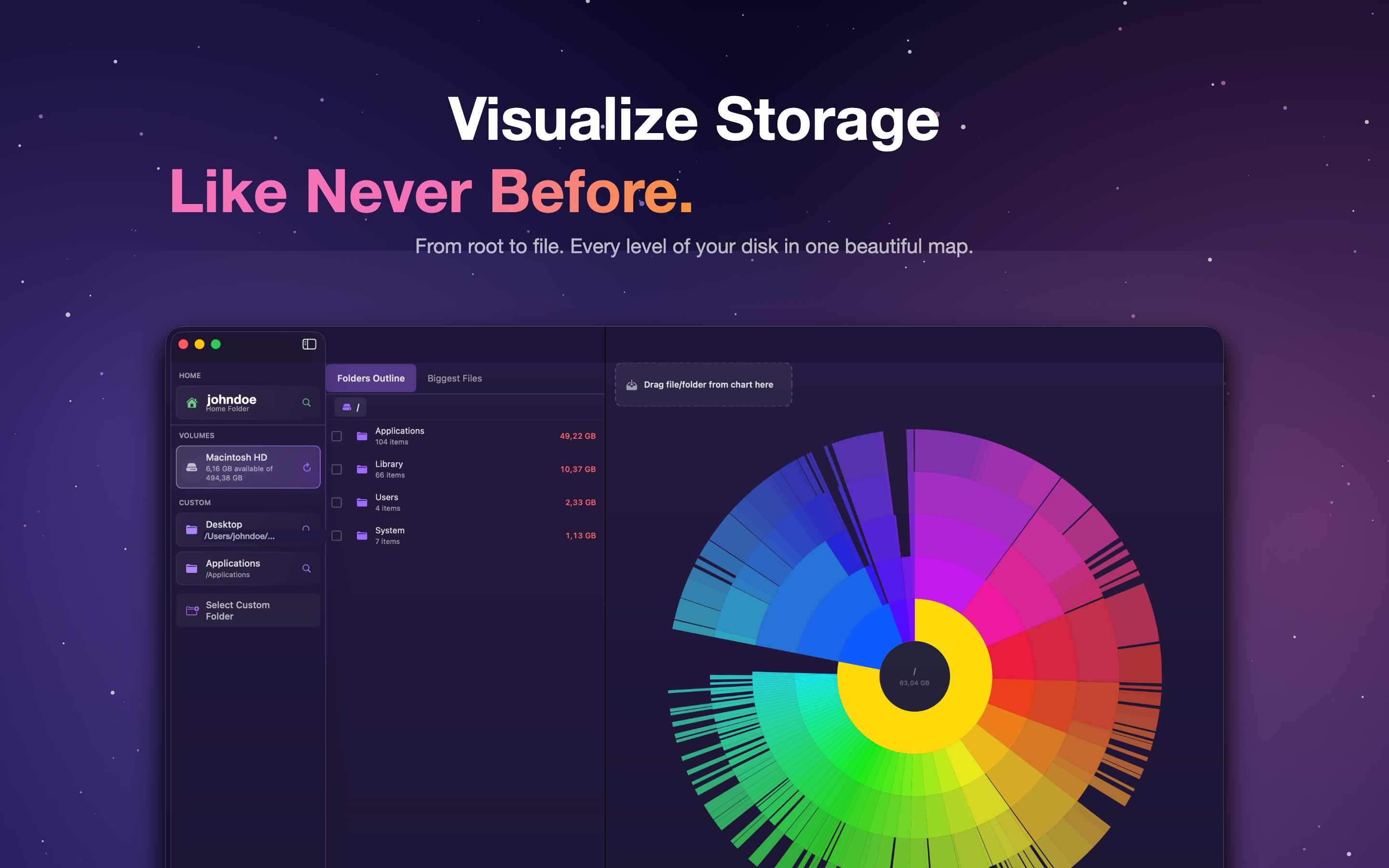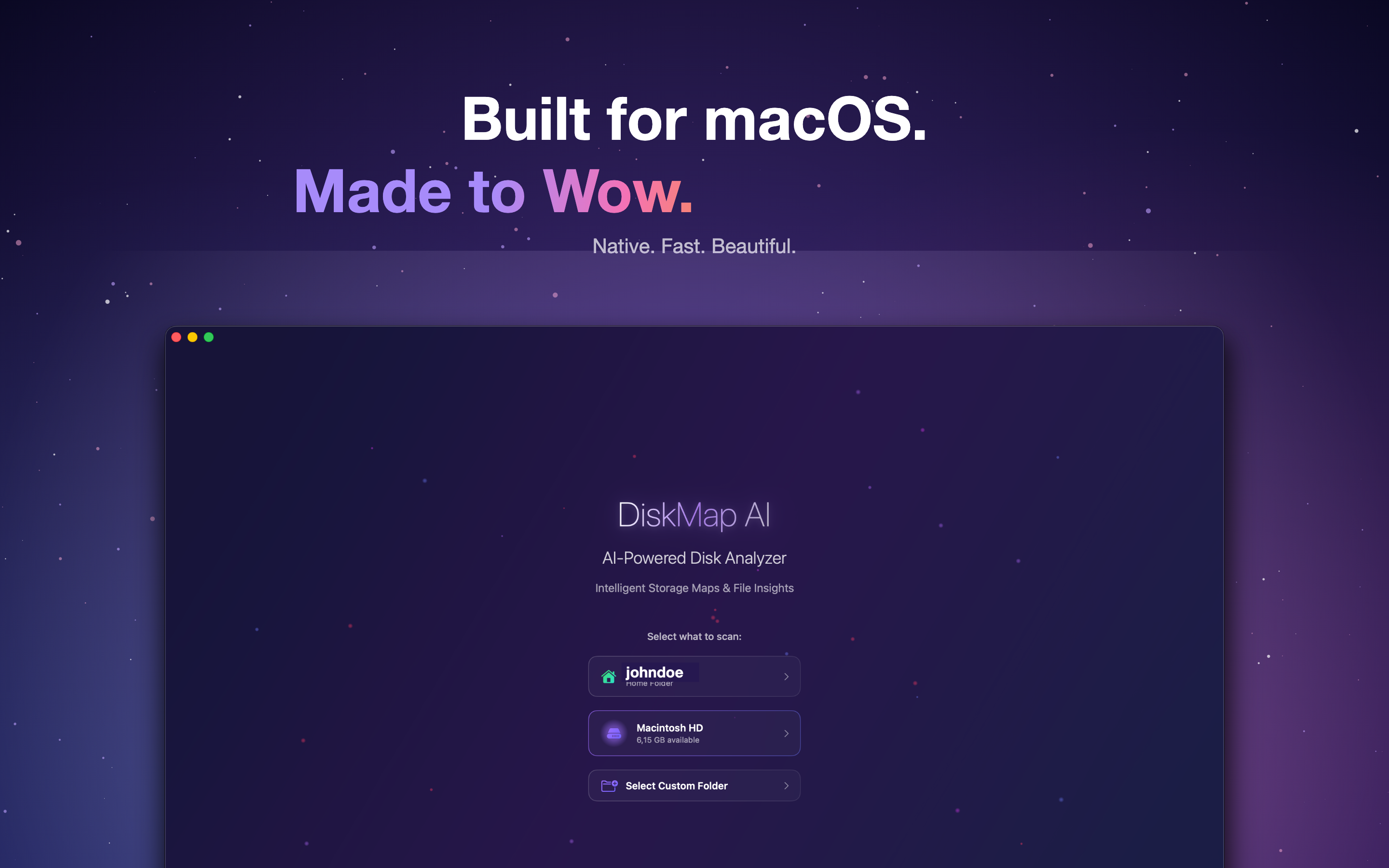
Your drive fills up and you've no idea what did it. DiskMap AI scans the Mac in seconds and lays out every file and folder as an interactive map, so it's obvious what to clear and where the space actually went.
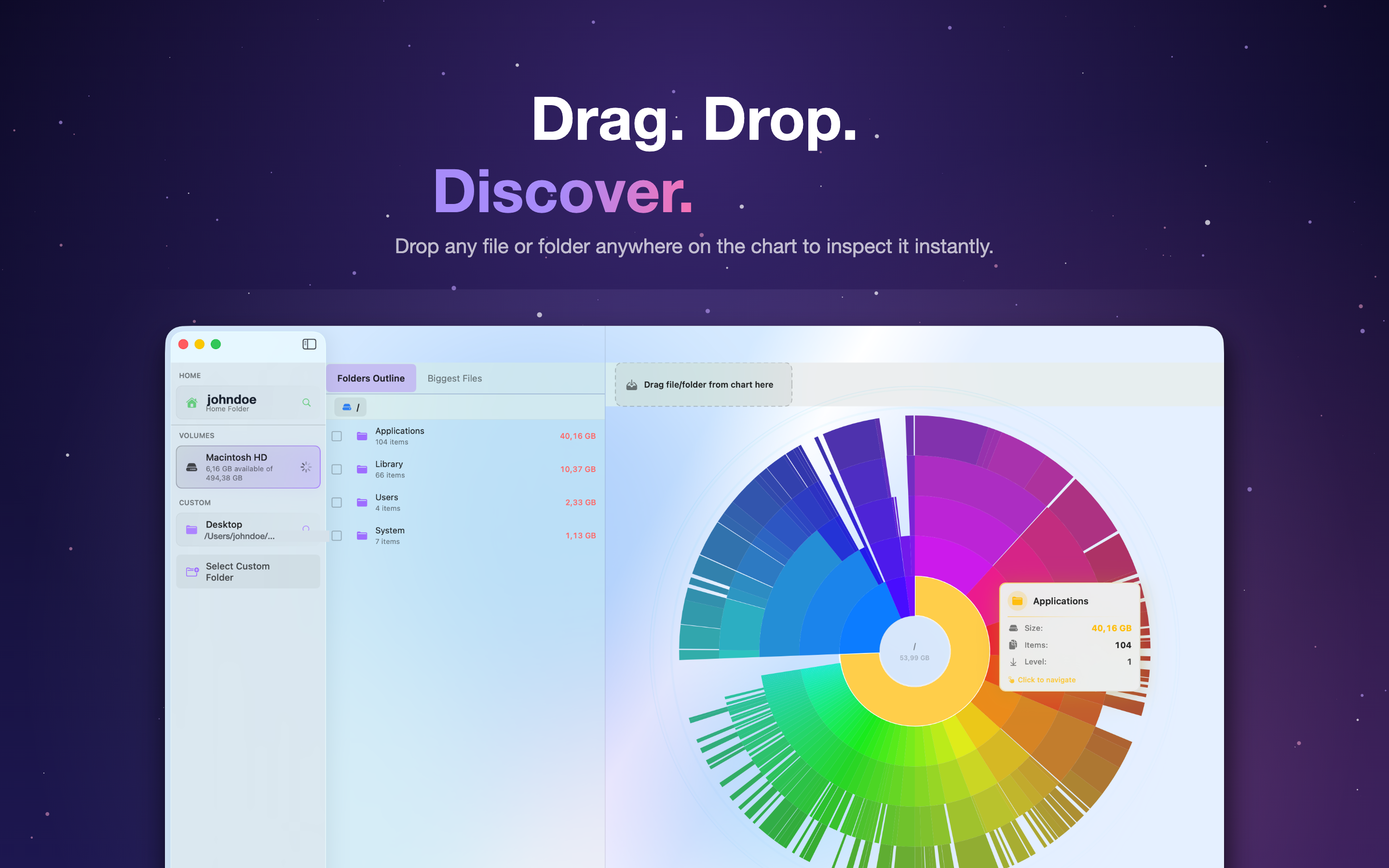
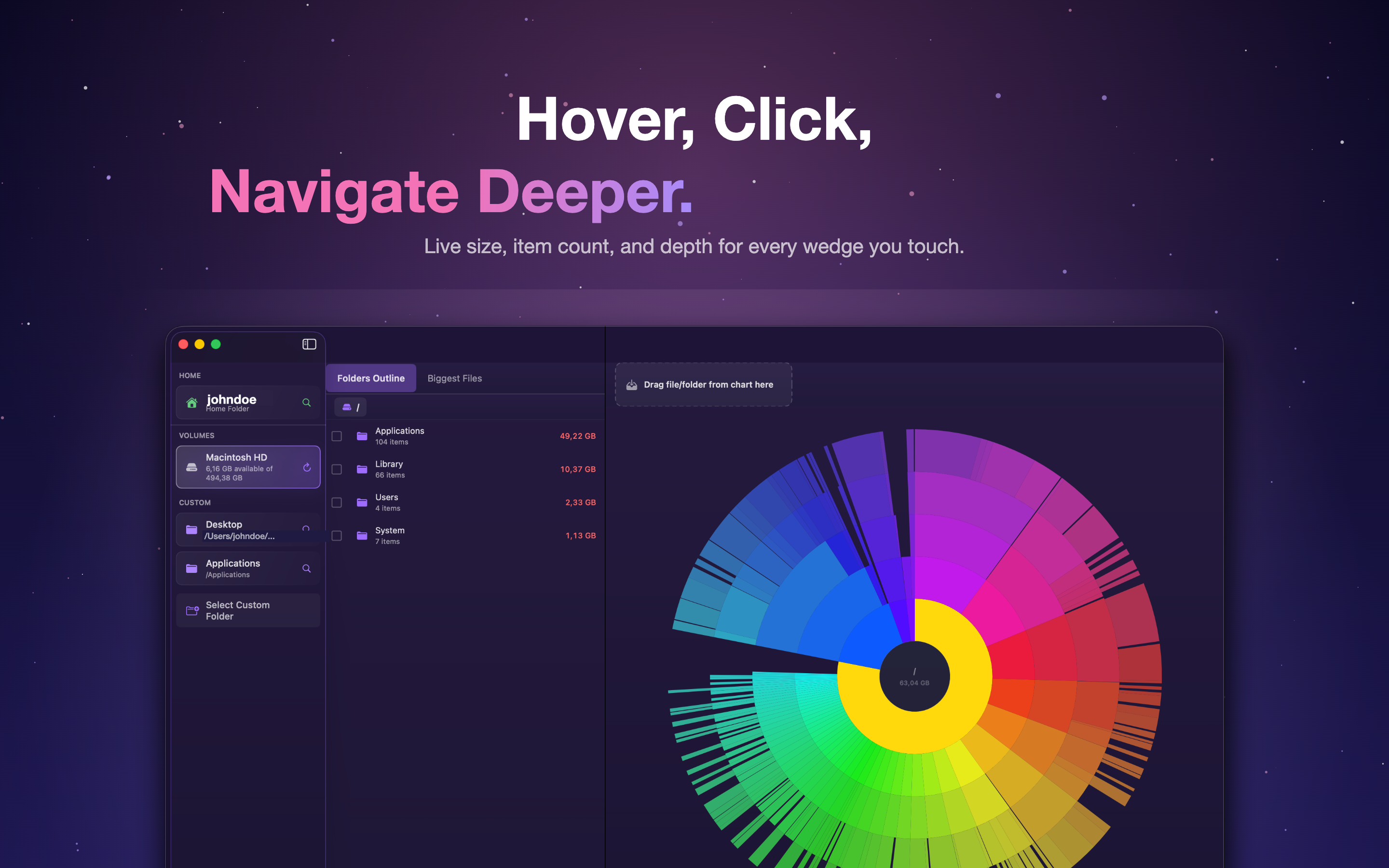
Available on macOSA radial chart lays out the whole drive at once. Click a ring to drop into a folder, and the usage opens up a layer at a time.
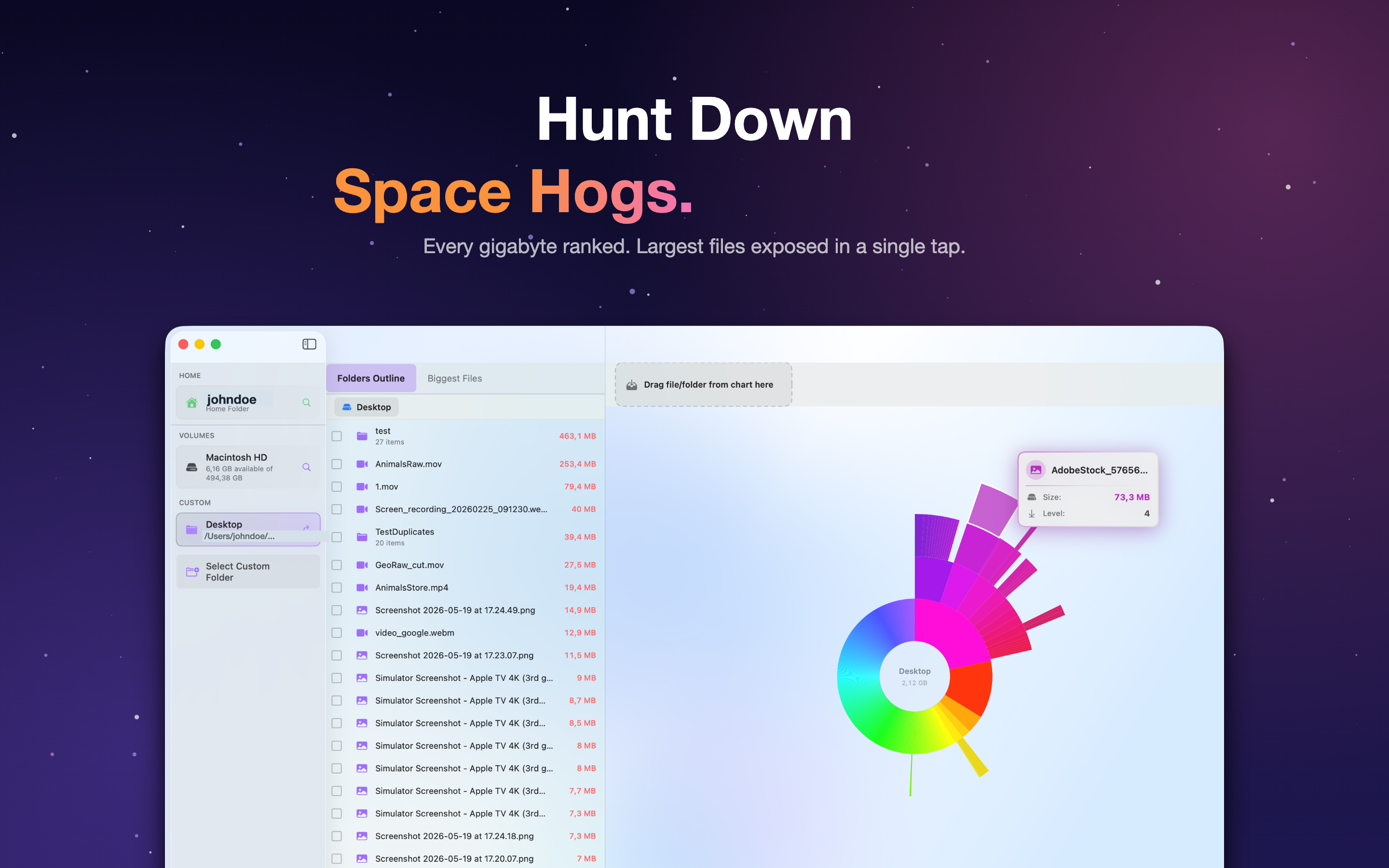
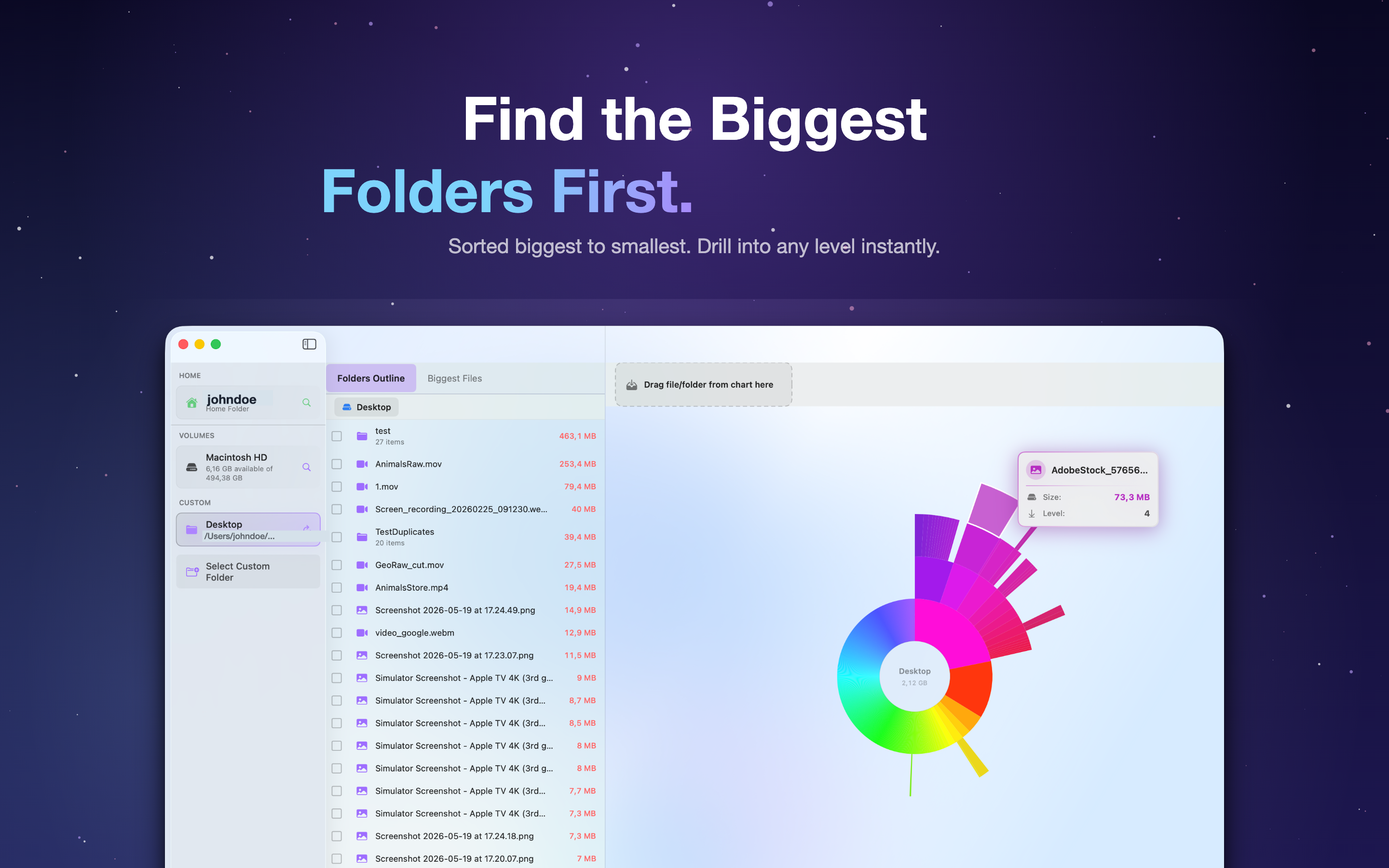
Surface the largest files and folders across your whole disk in one ranked list. No more hunting through endless Finder windows.
Spot forgotten downloads, caches, and bloated folders, then clear them out to win back gigabytes - fast and safely.
Every folder becomes a colorful slice sized by how much space it uses. The bigger the slice, the bigger the problem - so the worst offenders jump out immediately.
Click to drill down
Dive into any folder and back out with a single click.
Quick scans
It's a native Mac app, so even big drives map in a moment.
DiskMap AI ranks the heaviest files and folders on your Mac so you always know exactly what to delete first. Browse a clean, sortable folder breakdown that mirrors your real disk structure.
Ranked by size
The largest items float straight to the top.
Folder breakdown
See how every directory adds up, level by level.
Does a lot under the hood, stays simple to use.
Turn raw gigabytes into a clear picture you can actually understand.
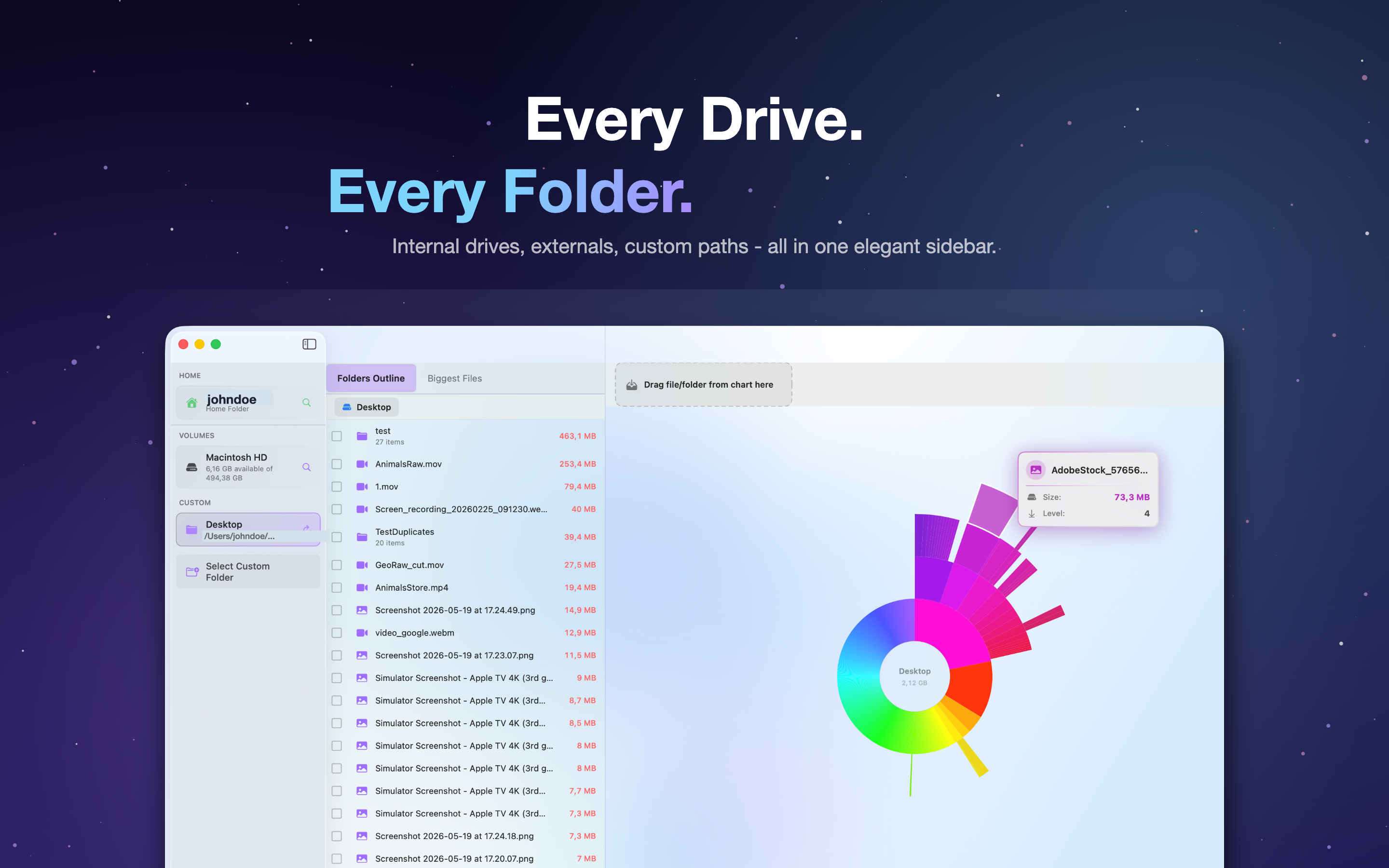
Scan your internal drive plus external and network volumes in one place.
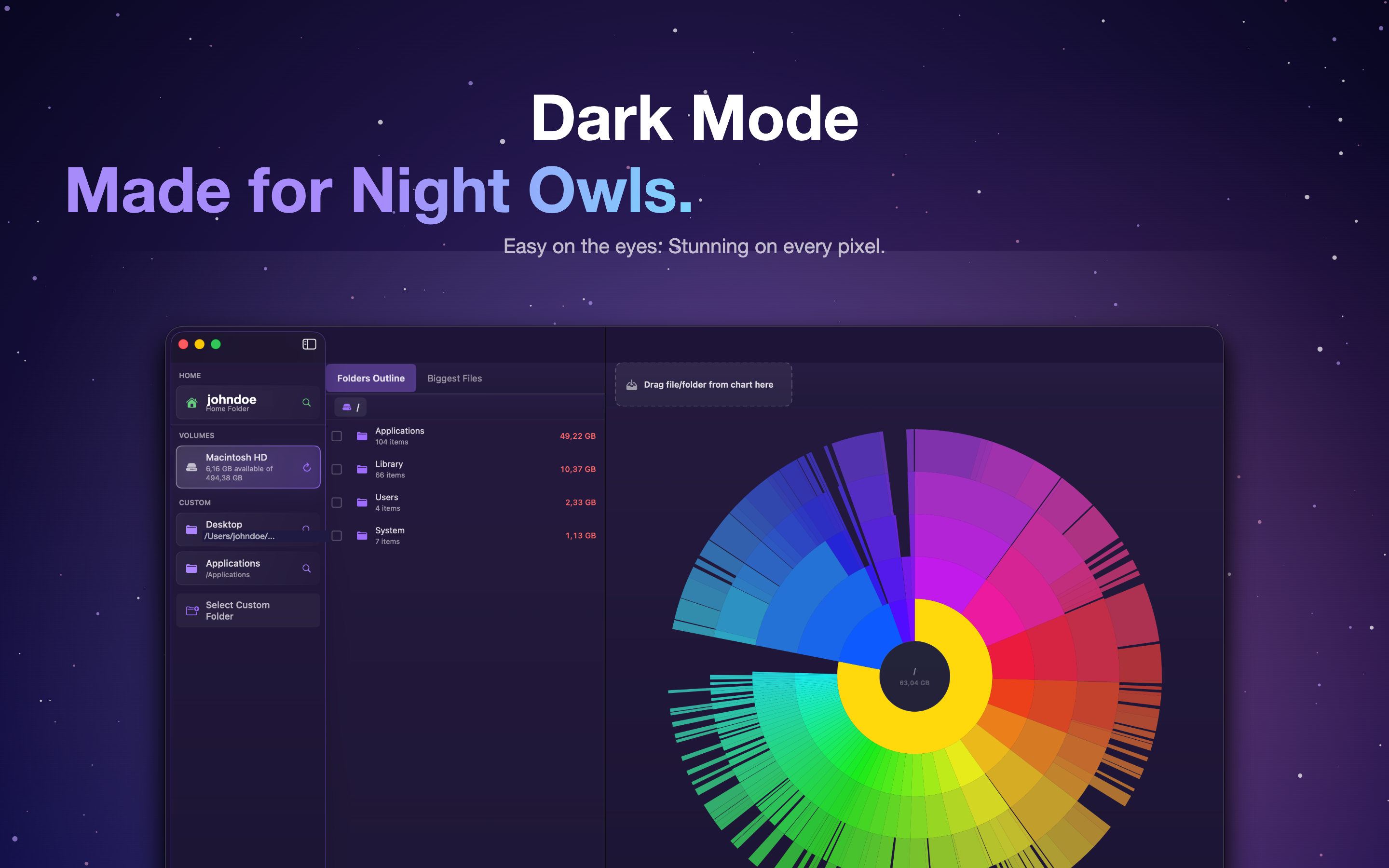
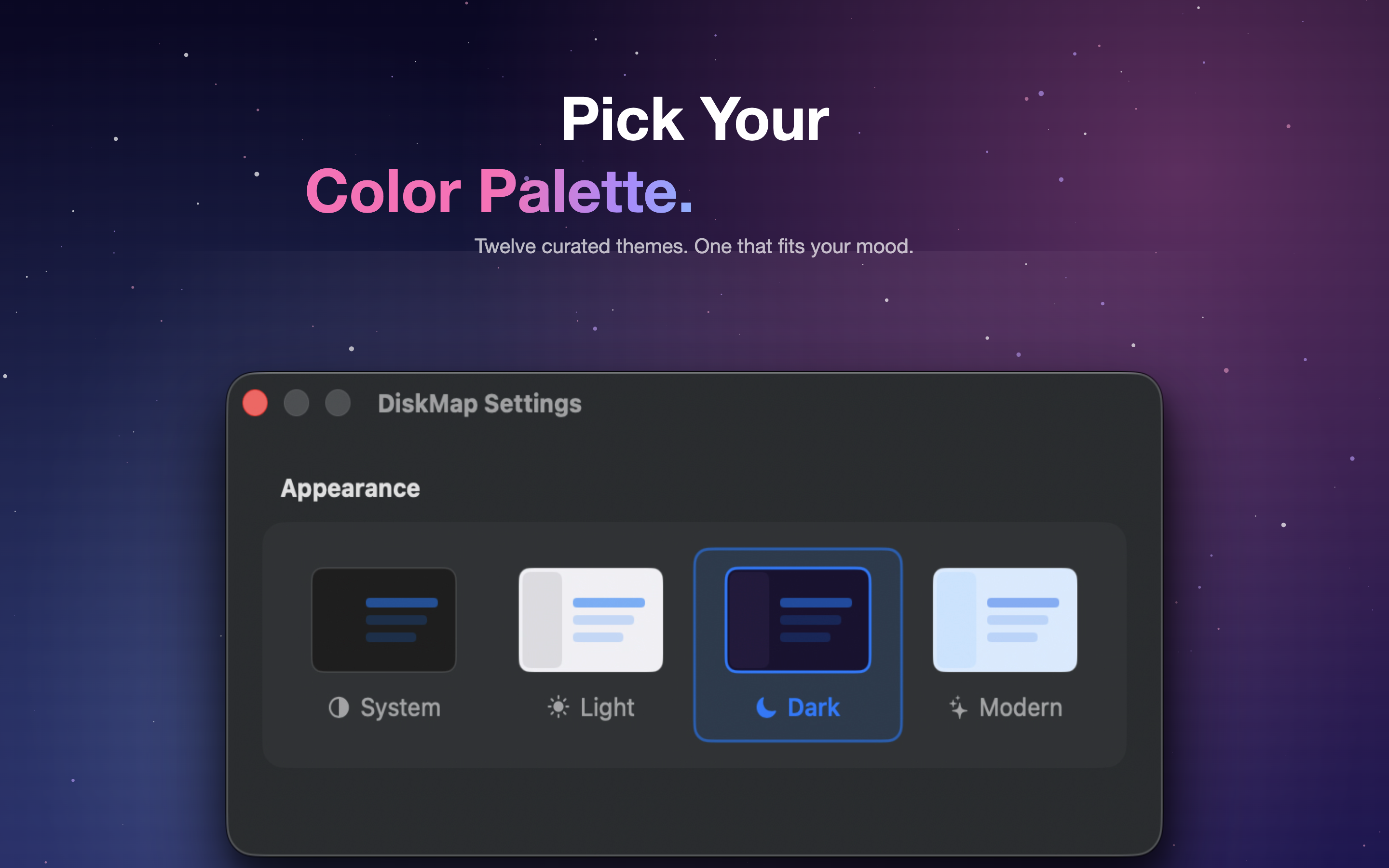
Light and dark themes that sit right at home on macOS, day or night.
Drop any folder onto DiskMap AI to map just that spot on its own.
A native Mac interface that's easy on the eyes while you clean up.
A closer look at the maps, themes and tools you'll actually use to free up space.