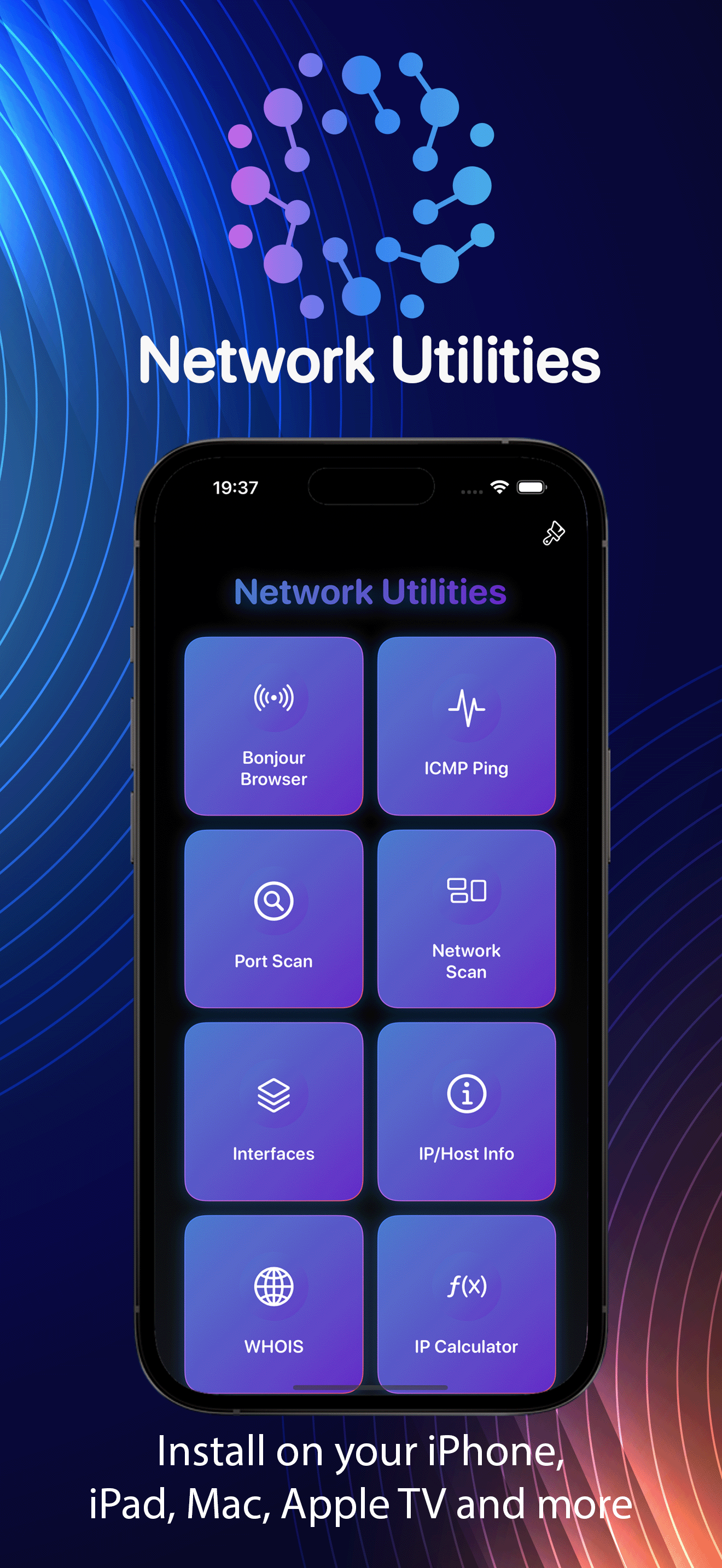
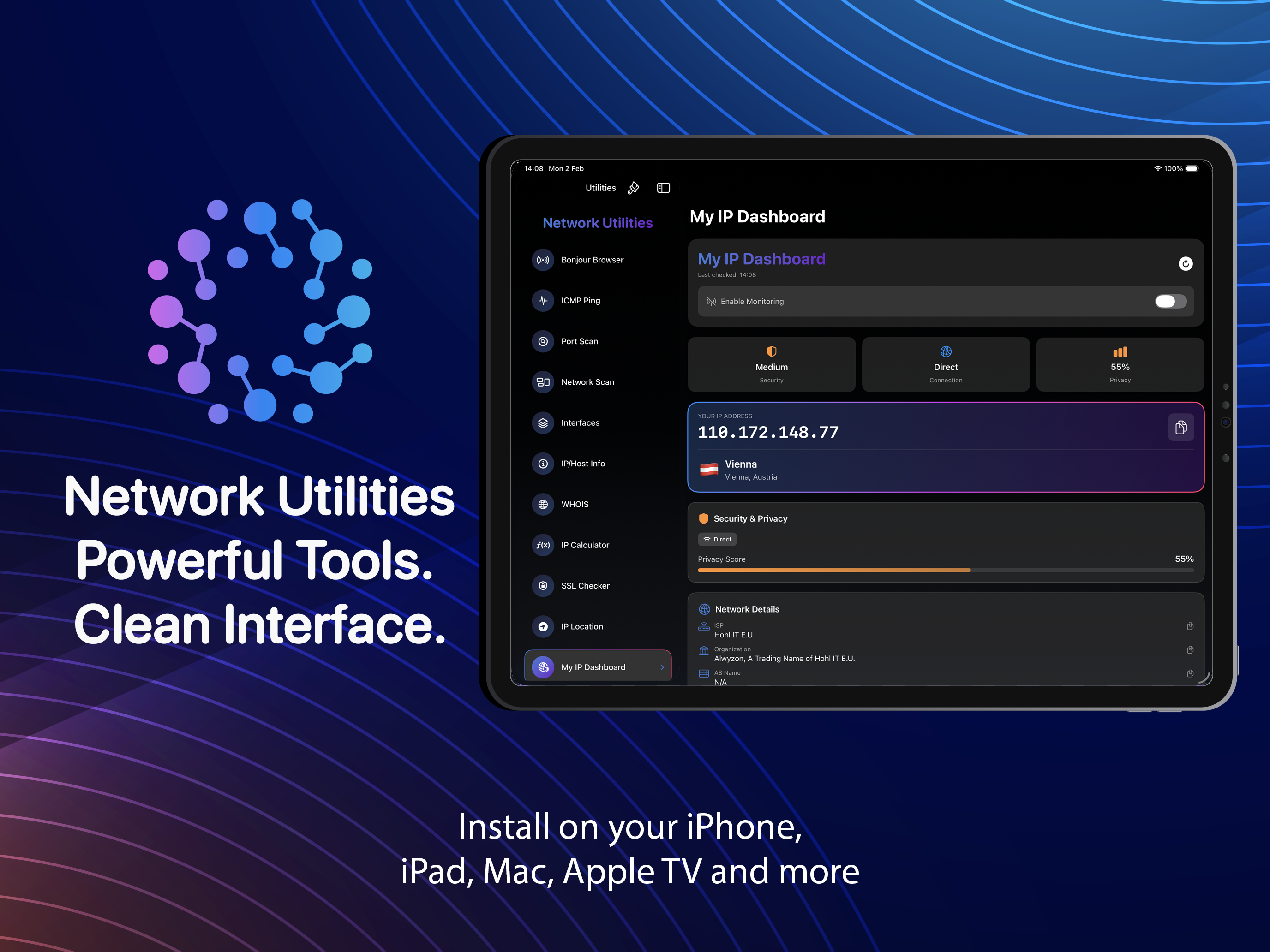
Powerful tools. Clean interface.

Normally these tools are scattered across command-line utilities and questionable free apps. This pulls the ones you actually use into a single app for iPhone, iPad, Mac and Apple TV, and it never phones home.

iPhone · iPad · Mac · Apple TV
Scan & Discover

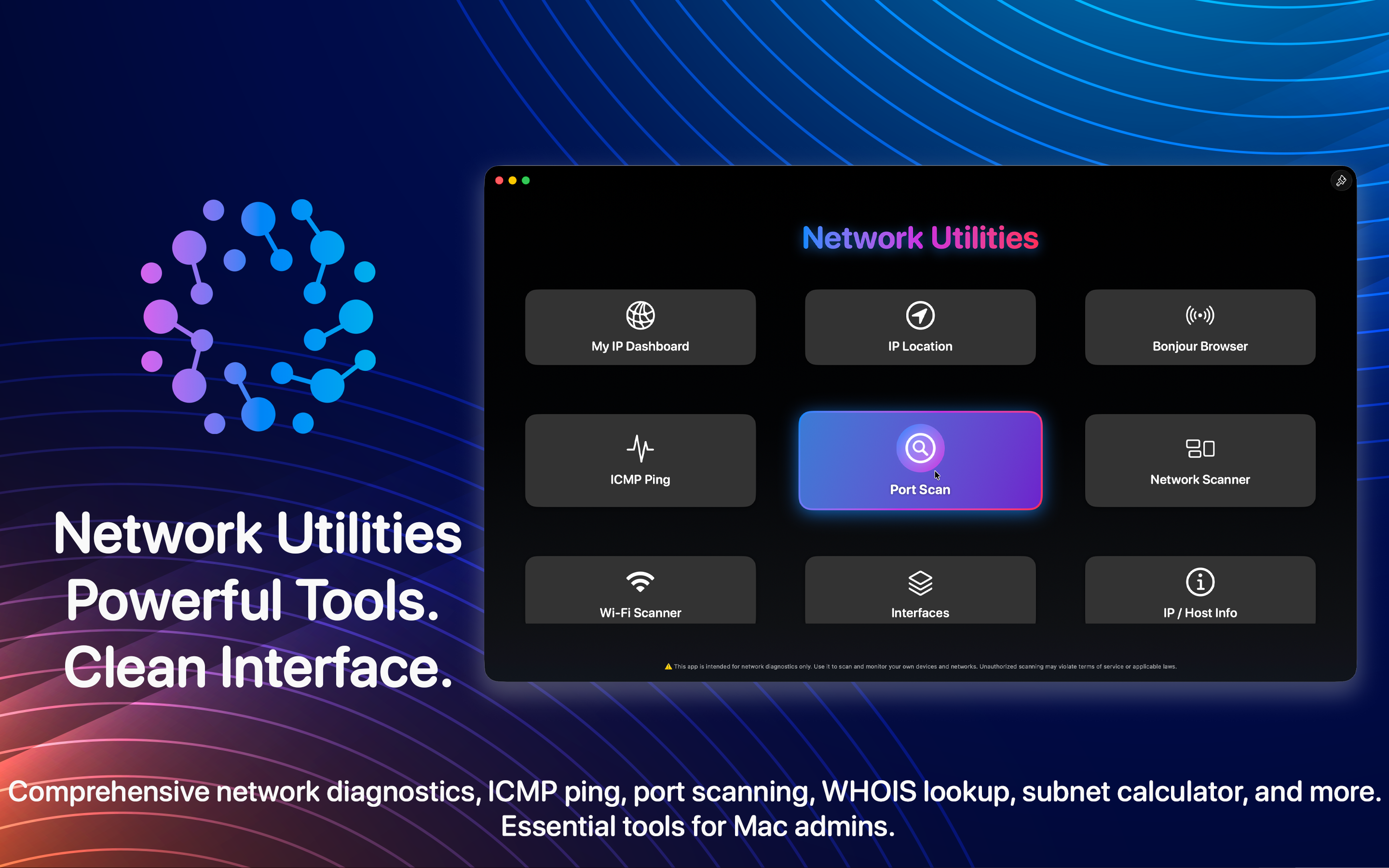
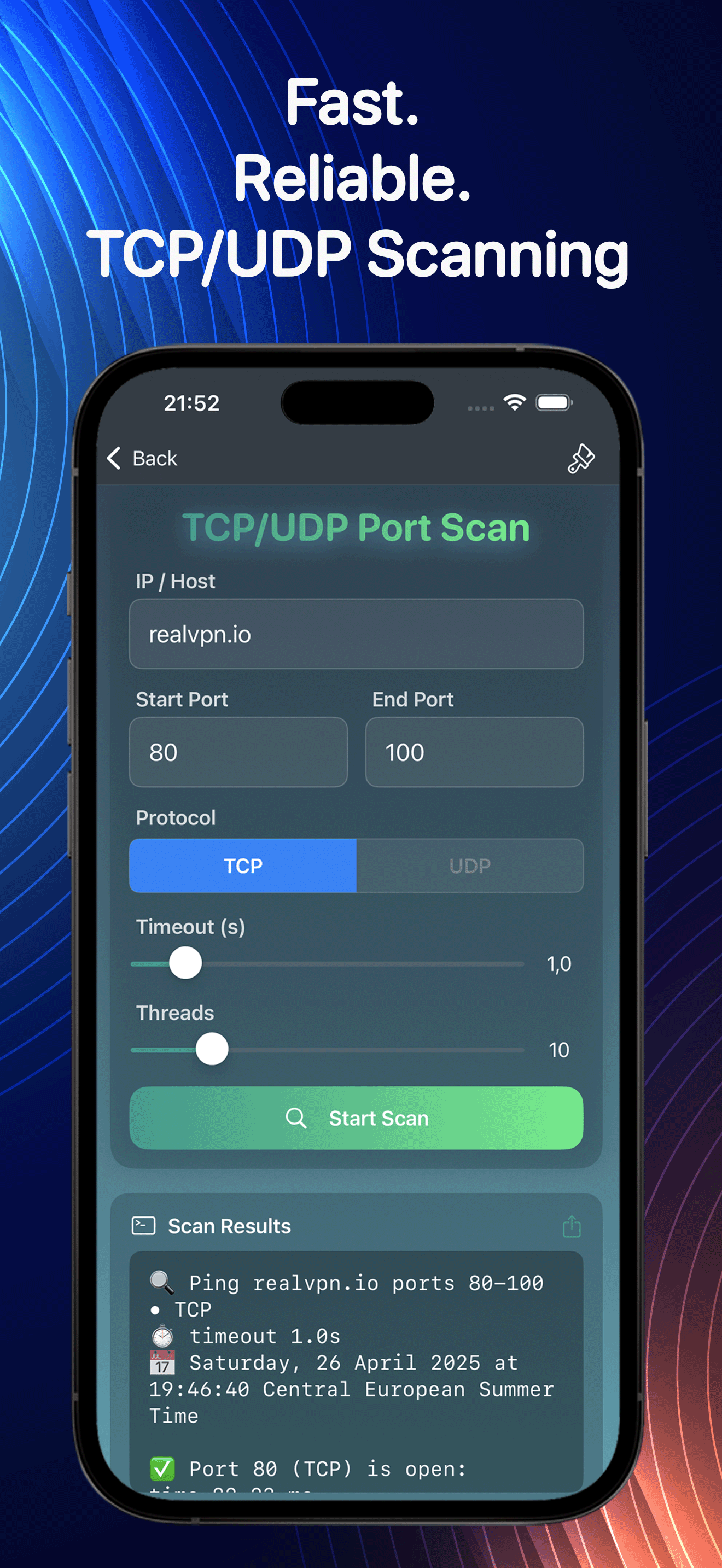
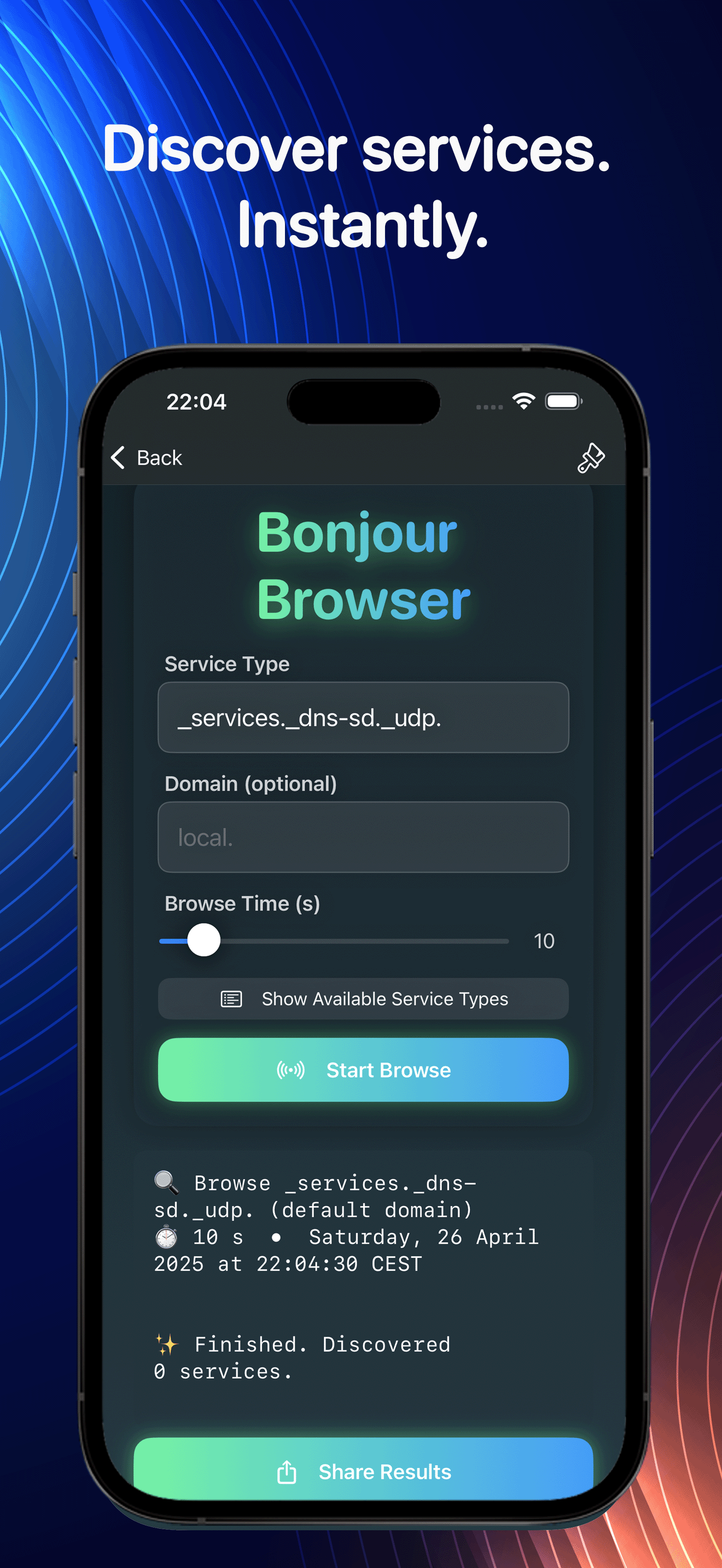
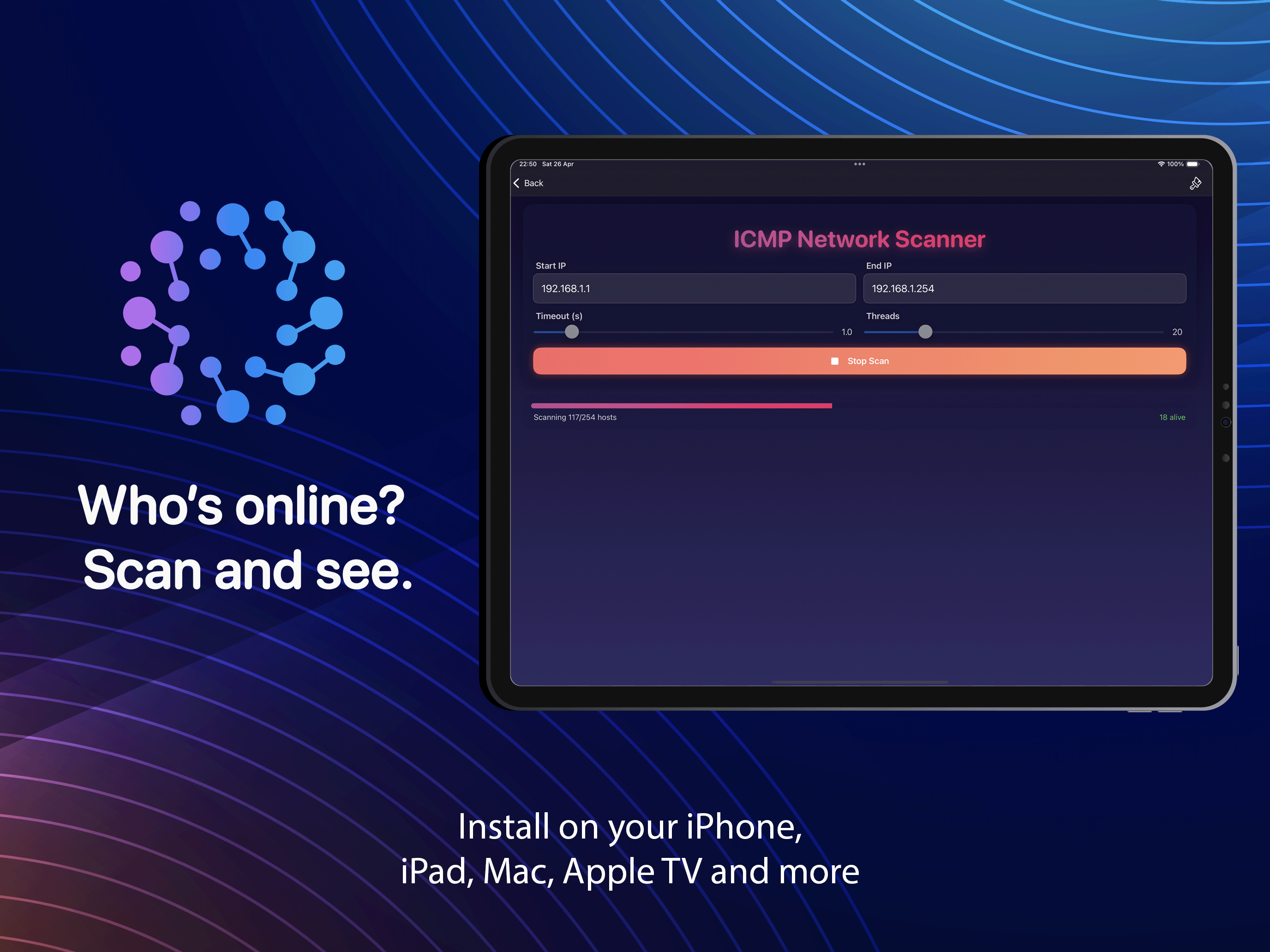
Ping, a port scanner, a full network sweep and a Bonjour browser. Within a few seconds you know what's connected and which ports are open.

Analyze Wi-Fi

A live spectrum across the 2.4, 5 and 6 GHz bands. You can see which channels are crowded and where the signal falls off, then switch to a cleaner one.

Look Up & Calculate

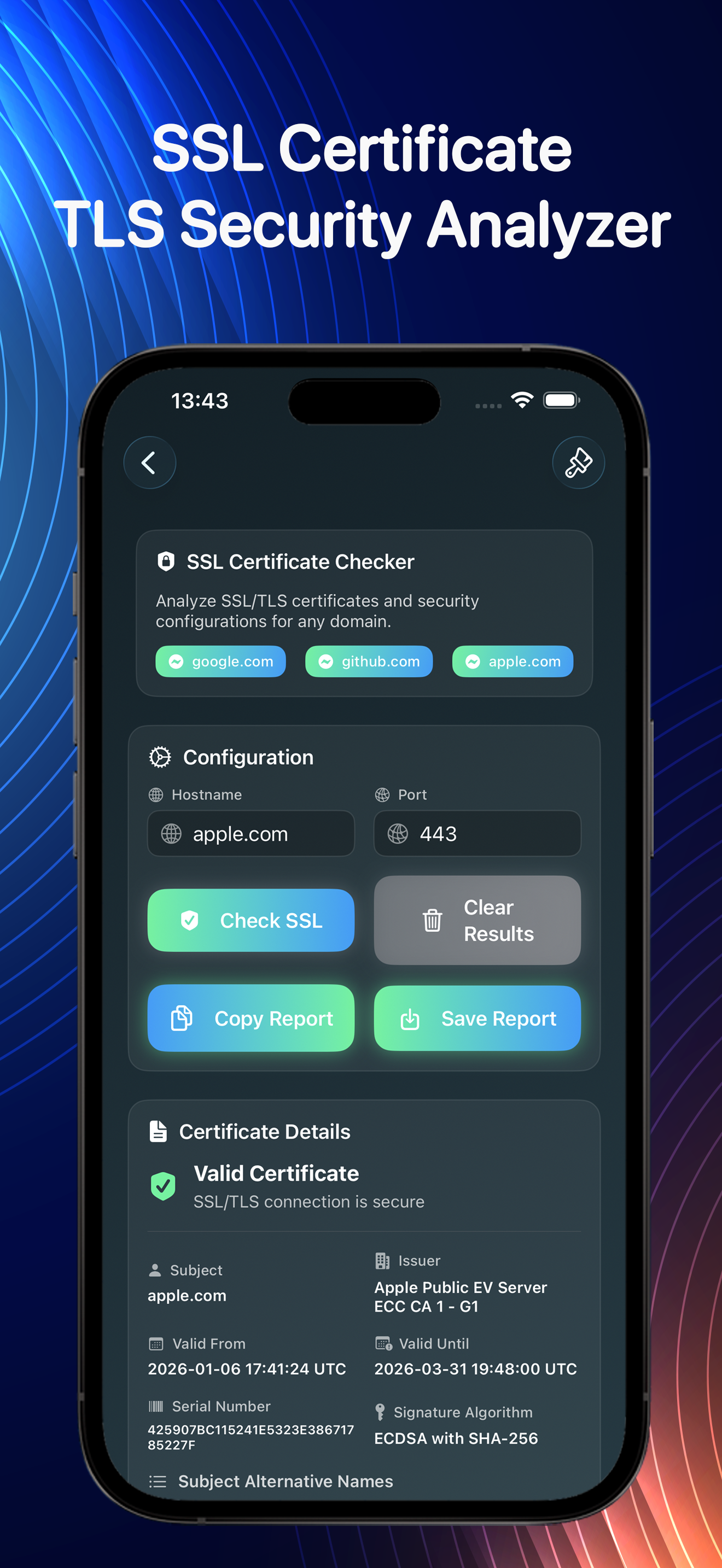
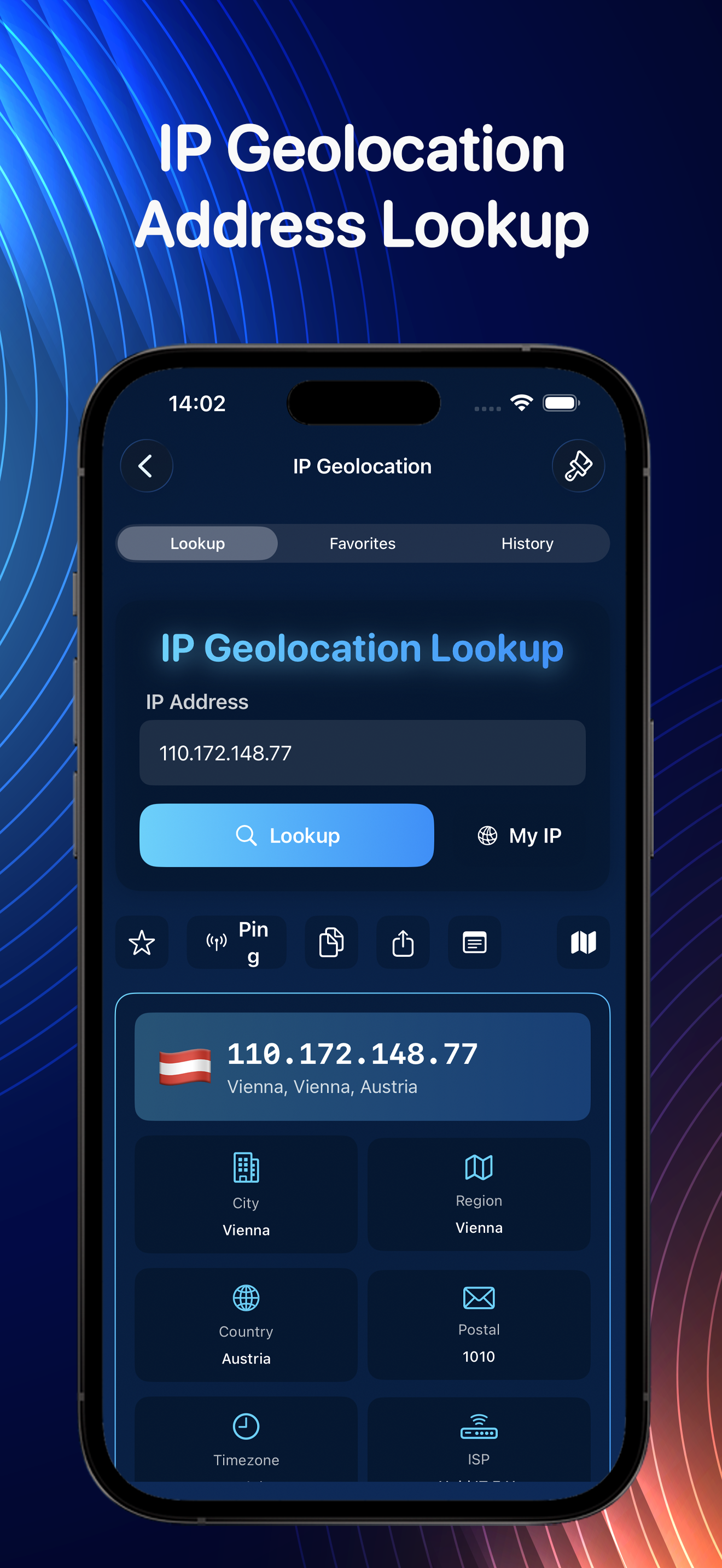
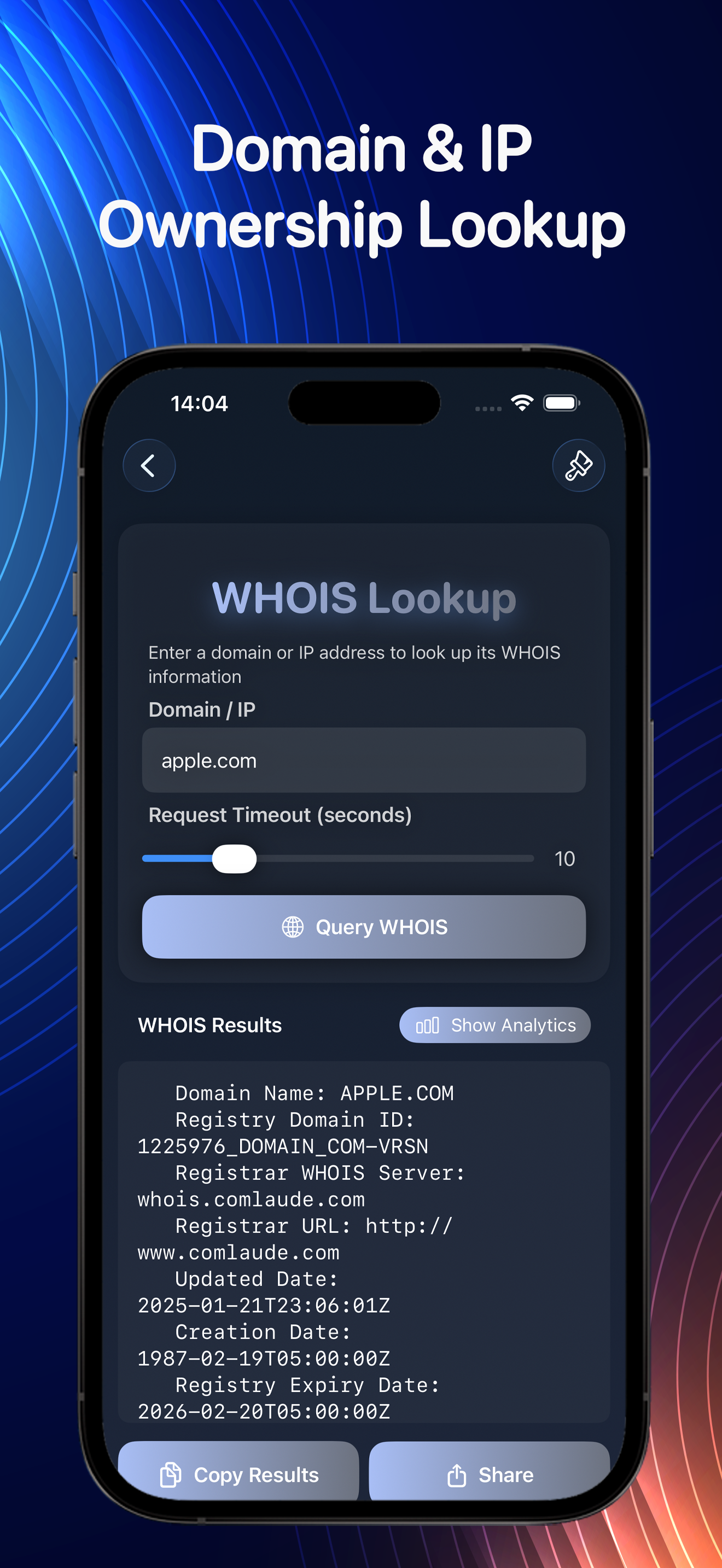
DNS and WHOIS lookups, IP geolocation, subnet math, interface details. The reference stuff you keep googling, in one spot.

The toolbox

Everything in one app

Basically a network engineer's kit, running entirely on your device.

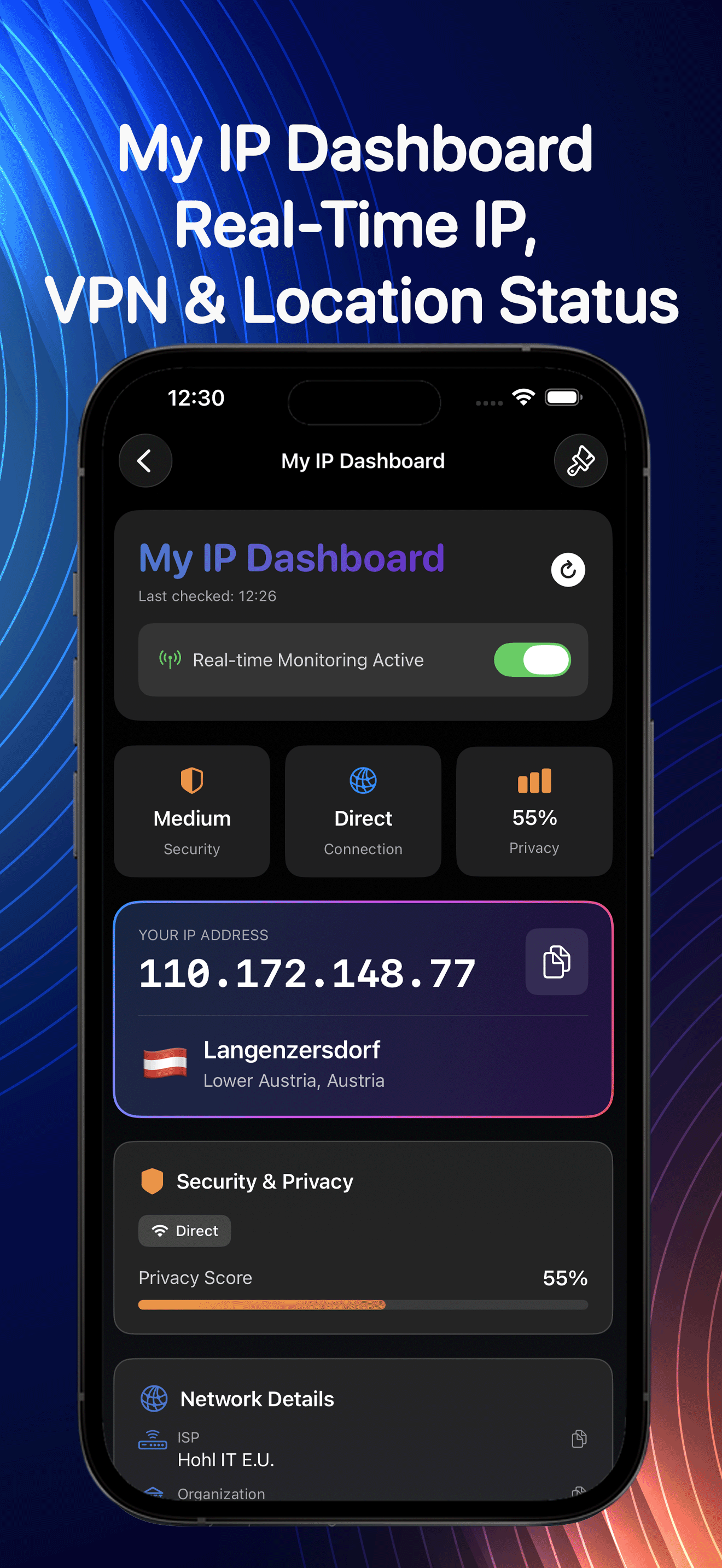
My IP Dashboard

Public IP, ISP & status

IP Location

Geolocate any address

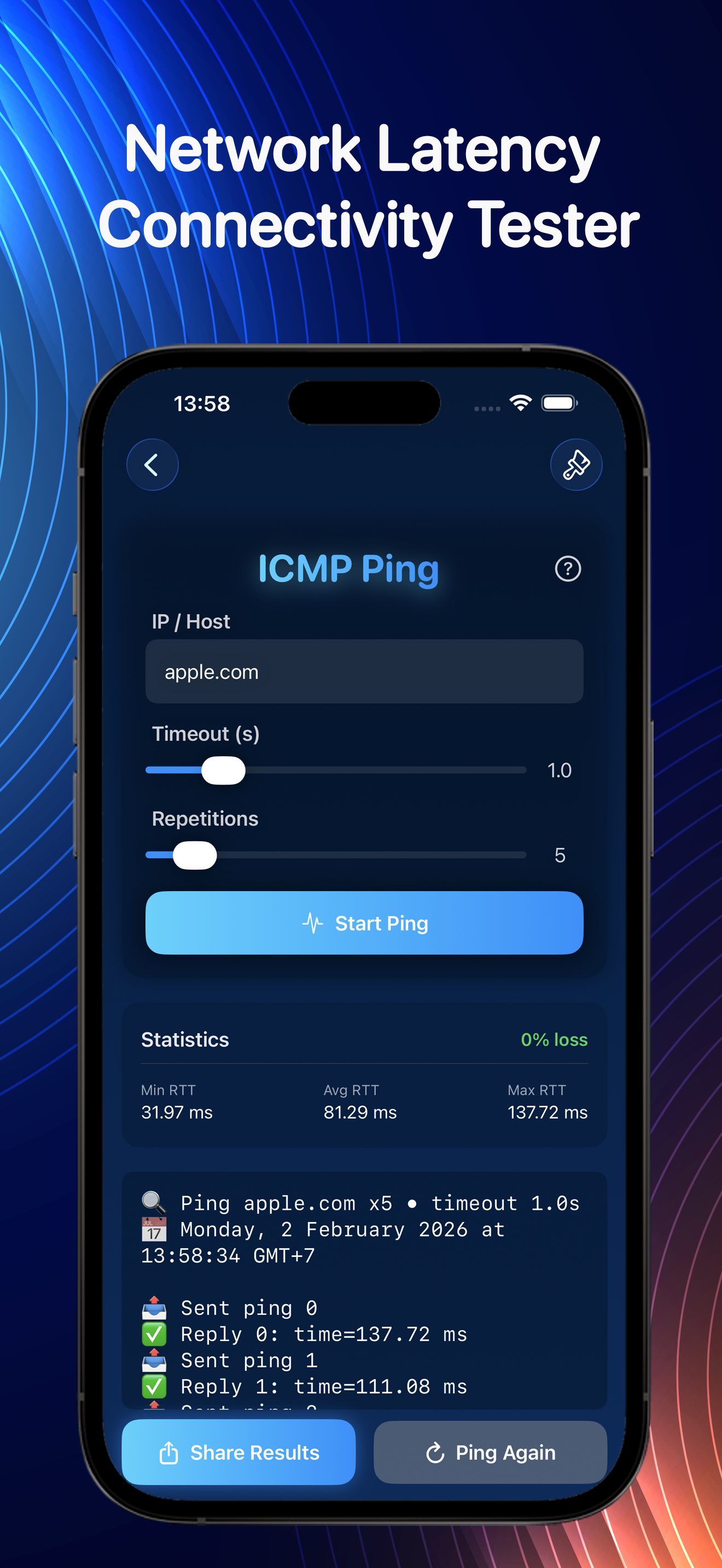
ICMP Ping

Latency & reachability

Port Scan

Find open ports

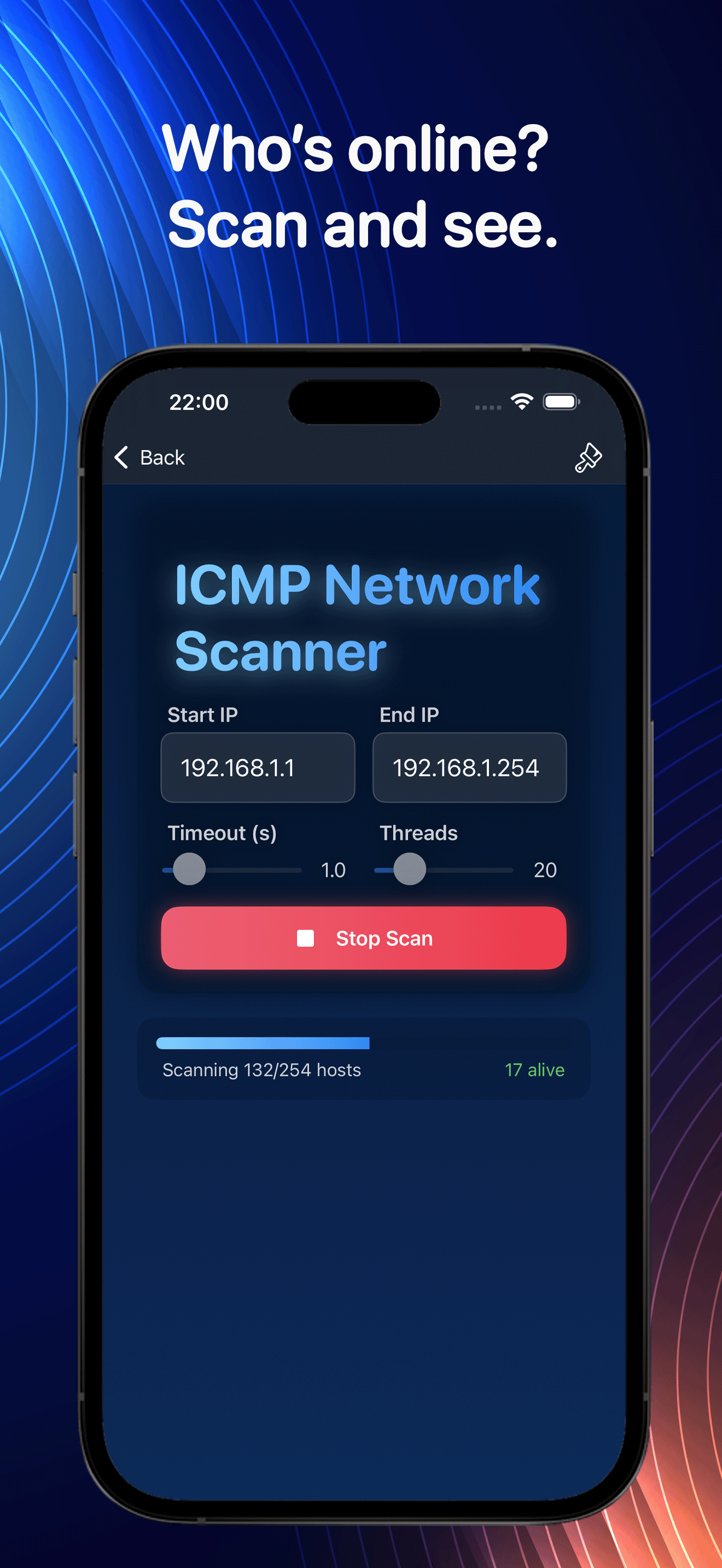
Network Scanner

Discover every device

Wi-Fi Scanner

Live spectrum view

Bonjour Browser

Local services

DNS & WHOIS

Domain lookups

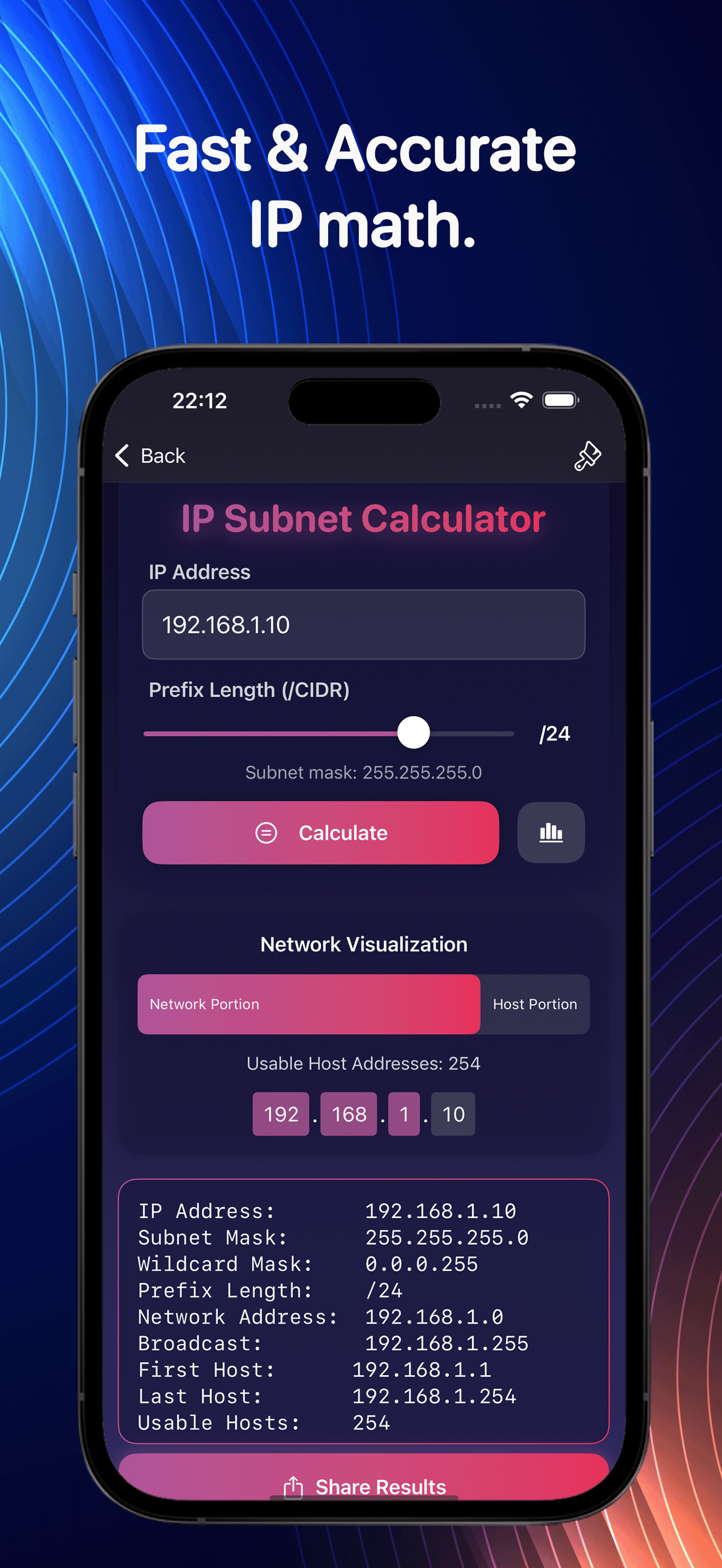
IP Calculator

Subnets & ranges

Interfaces

All adapters & details

IP / Host Info

Resolve hosts & IPs

100% Local

No data collection

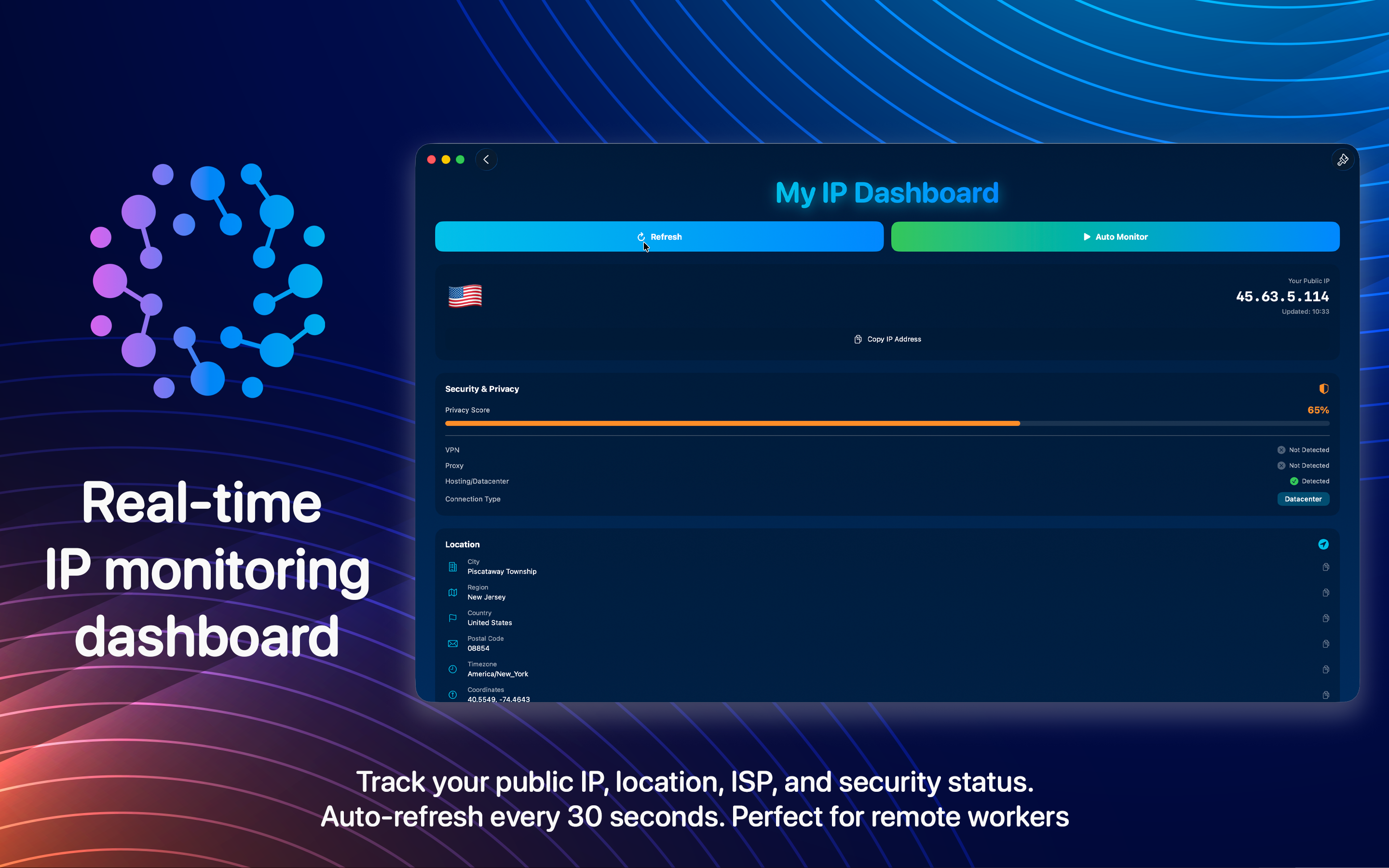
Real Network Utilities Scanner IP dashboard on macOS
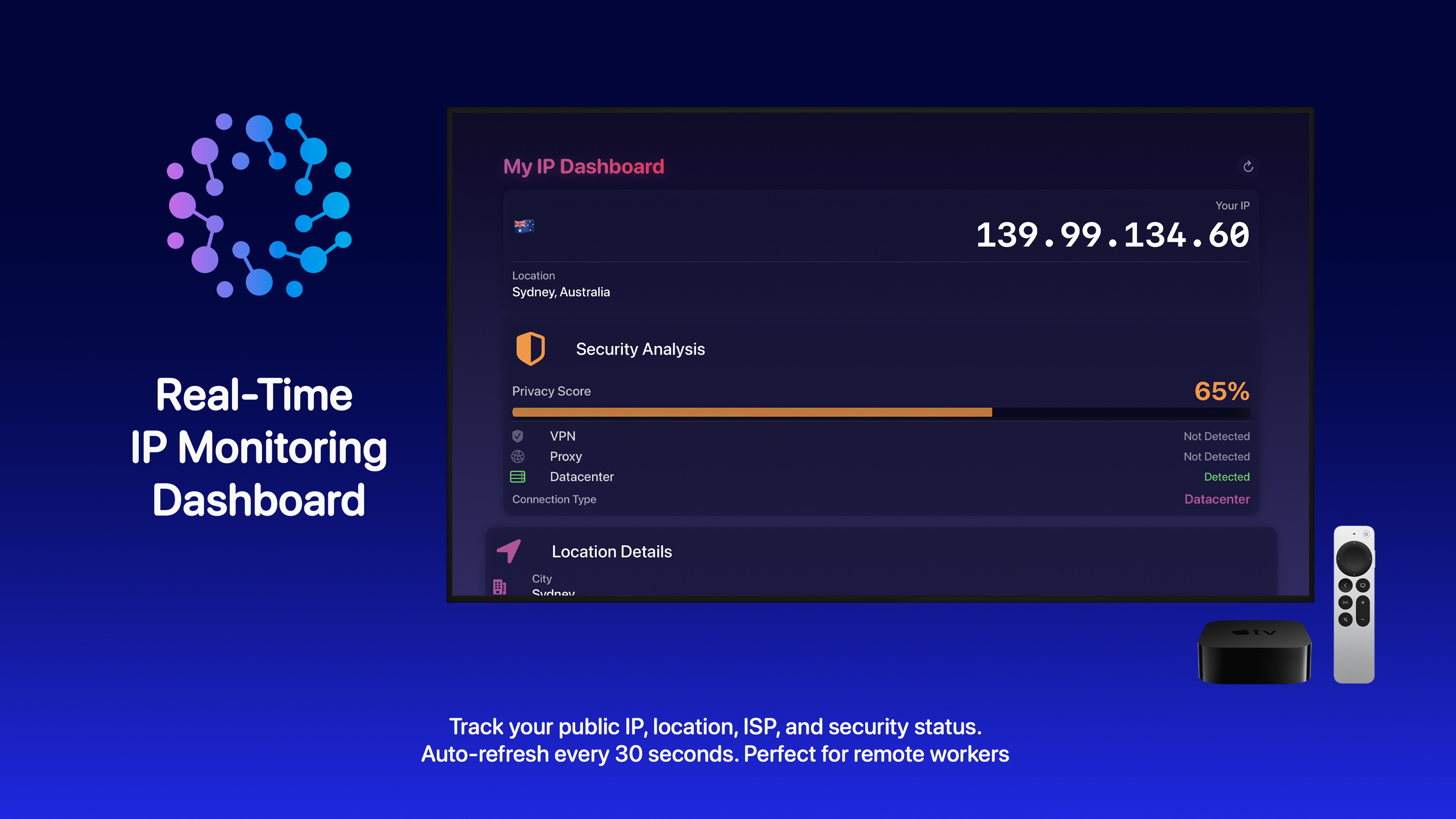
My IP Dashboard

Real-time IP monitoring

Your public IP, location, ISP and security status at a glance. It refreshes every 30 seconds, which is handy when you're checking whether a VPN actually kicked in.

Auto-refresh
Live status updates every 30 seconds.

Security & privacy score
See your exposure and connection type instantly.

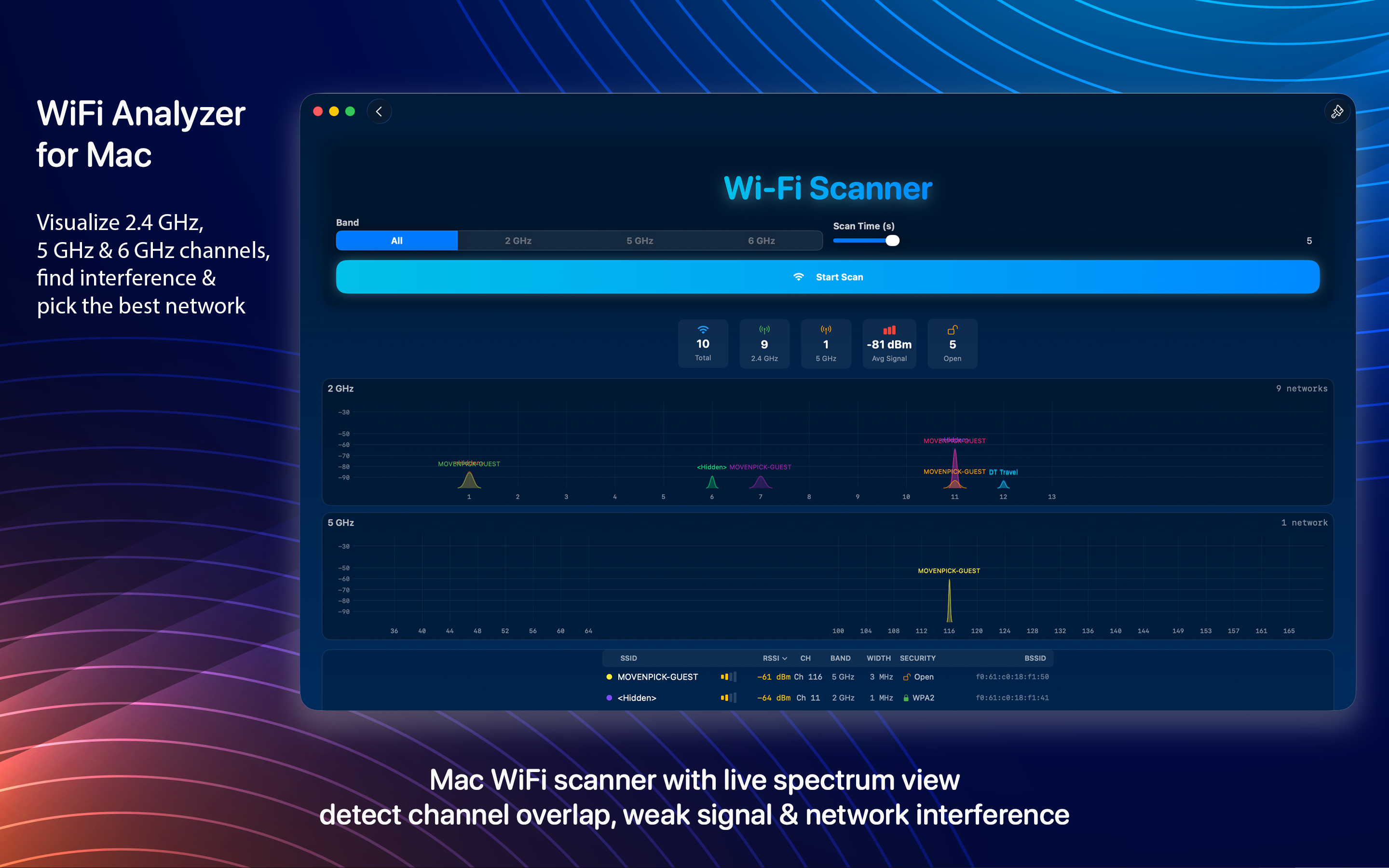
Real Network Utilities Scanner Wi-Fi analyzer on macOS
Wi-Fi Scanner

Find out why your Wi-Fi is slow

The 2.4, 5 and 6 GHz bands laid out as a live spectrum. When the connection drags, this usually shows why: a neighbour parked on your channel, or a signal that falls off a cliff in the back room.

Live spectrum view
Real-time signal strength across every band.

Interference detection
Find overlapping channels and weak access points.

pattern
Universal app

Diagnostics on every Apple device

A quick ping from your iPhone, a full network sweep on the Mac, the same tools either way. They sit on the iPad and Apple TV too.

On iPhone
Real Network Utilities Scanner tools on iPhone
Real Network Utilities Scanner port scan on iPhone
Real Network Utilities Scanner Wi-Fi scan on iPhone
Real Network Utilities Scanner lookup on iPhone
On iPad
Real Network Utilities Scanner on iPad
Real Network Utilities Scanner scanning on iPad
On Apple TV
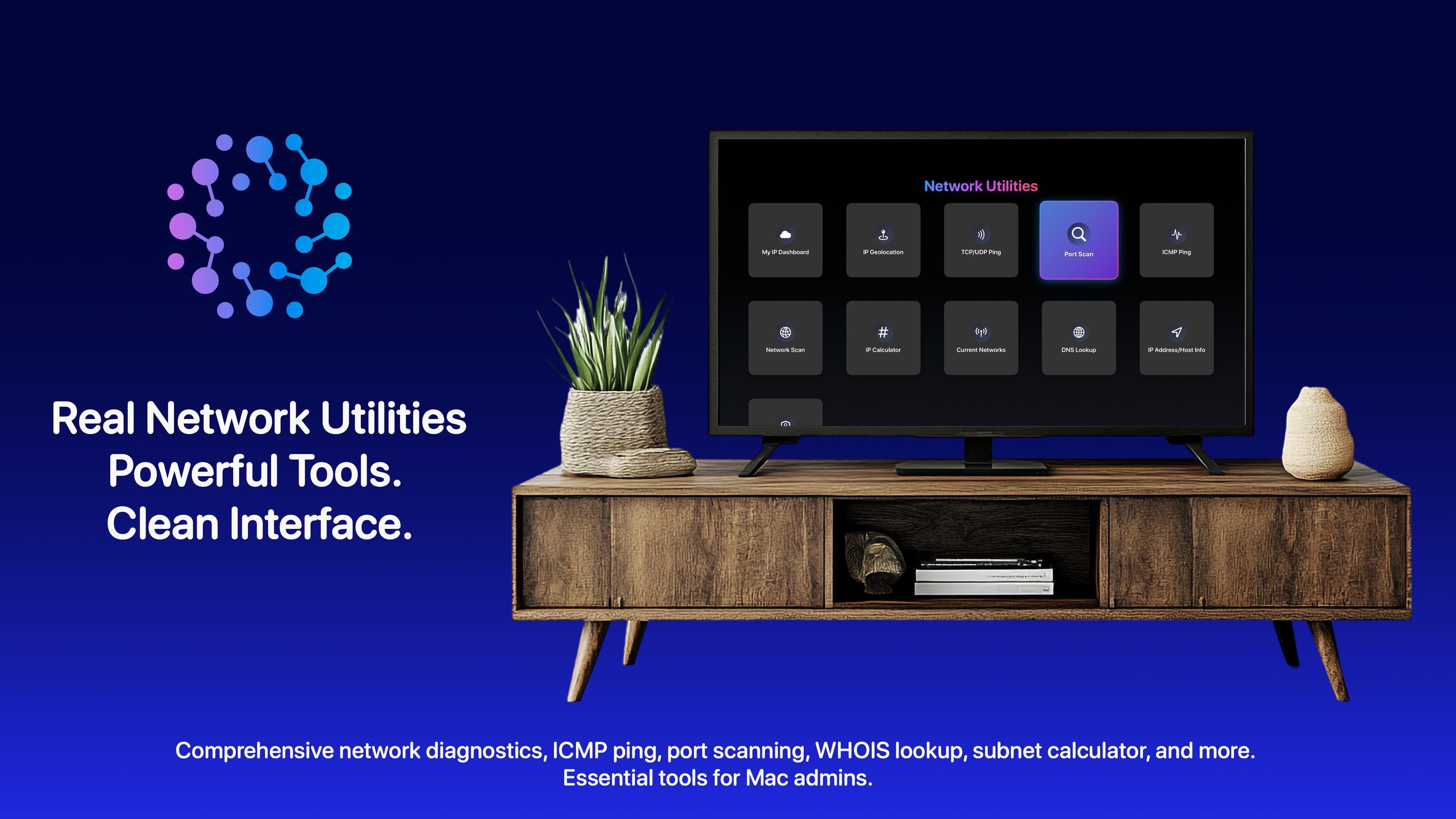
Real Network Utilities Scanner on Apple TV
Real Network Utilities Scanner diagnostics on Apple TV

Private by default

Runs locally

Every scan happens on your device. Nothing is sent to a server.

No data collection

Privacy-first by design, with zero tracking and no accounts.

Fast & native

Lightweight, responsive and built for Apple platforms.

Beautiful UI

A clean, modern interface that makes complex tools approachable.

Real Network Utilities Scanner
One app, every tool

No more juggling five different utilities. They're all in here.

pattern
Real Network Utilities Scanner logo

Keep the toolkit in your pocket

Grab it once and the whole diagnostics kit is there next time something on the network acts up, on your phone and your desktop.

Download Real Network Utilities Scanner on the App Store