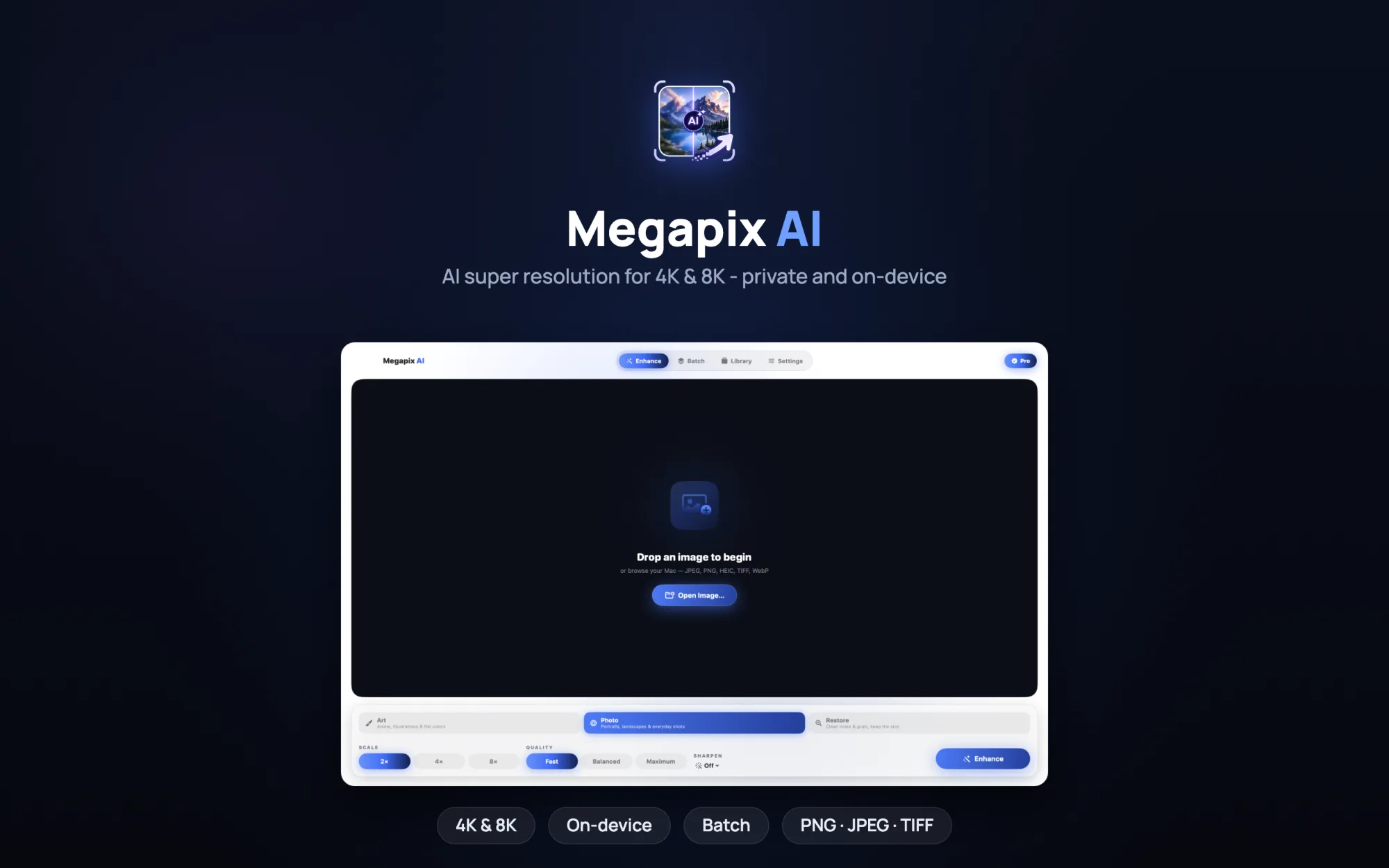
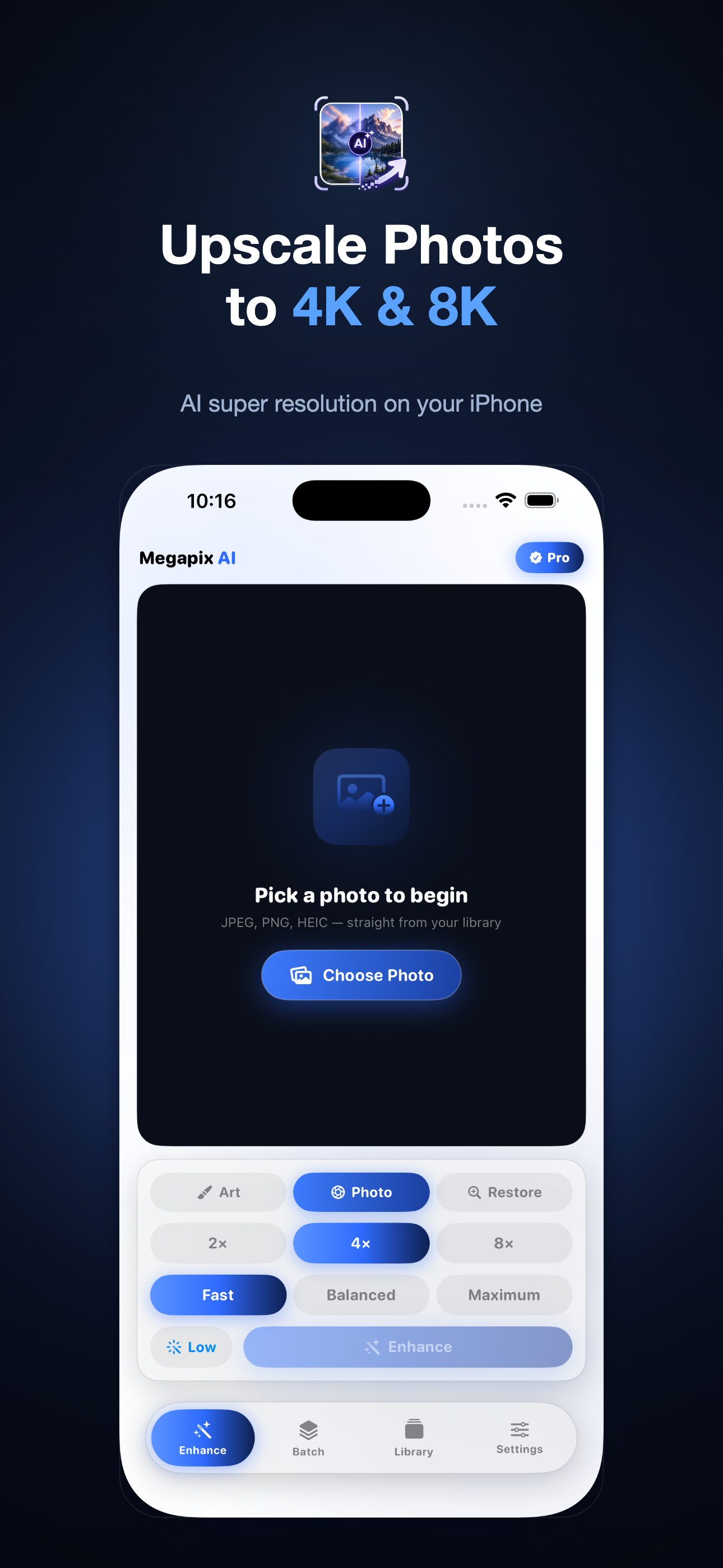
Start with a small or soft original and get back something sharp at 4K or 8K. Megapix rebuilds real detail instead of stretching pixels wider, and the whole thing runs on your iPhone, iPad or Mac.
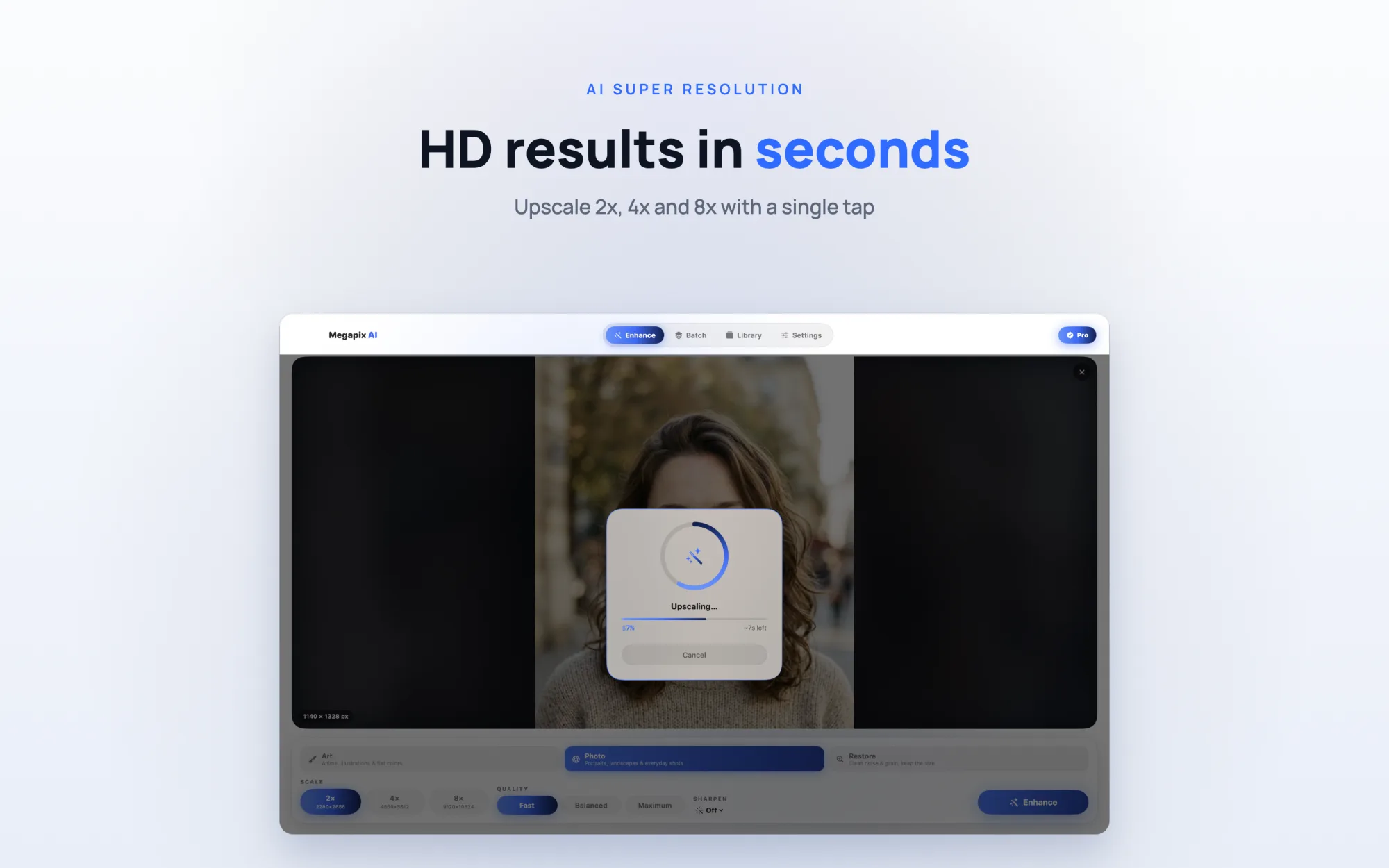
iPhone & iPad MacScale up 2x, 4x or 8x and the detail holds together. A small shot ends up sharp at 4K or 8K instead of soft and mushy.
Soft, pixelated, over-compressed - one tap cleans it up. There's a sharpening slider too, for when you want a bit more bite.
Strip the grain, noise and JPEG mess out of old scans and dim shots. Add upscaling on top and a faded family photo looks like itself again.
Photo mode is built for actual photography - faces, landscapes, the stuff already in your camera roll. Pick 2x, 4x or 8x and the fine detail fills back in.
Three engines
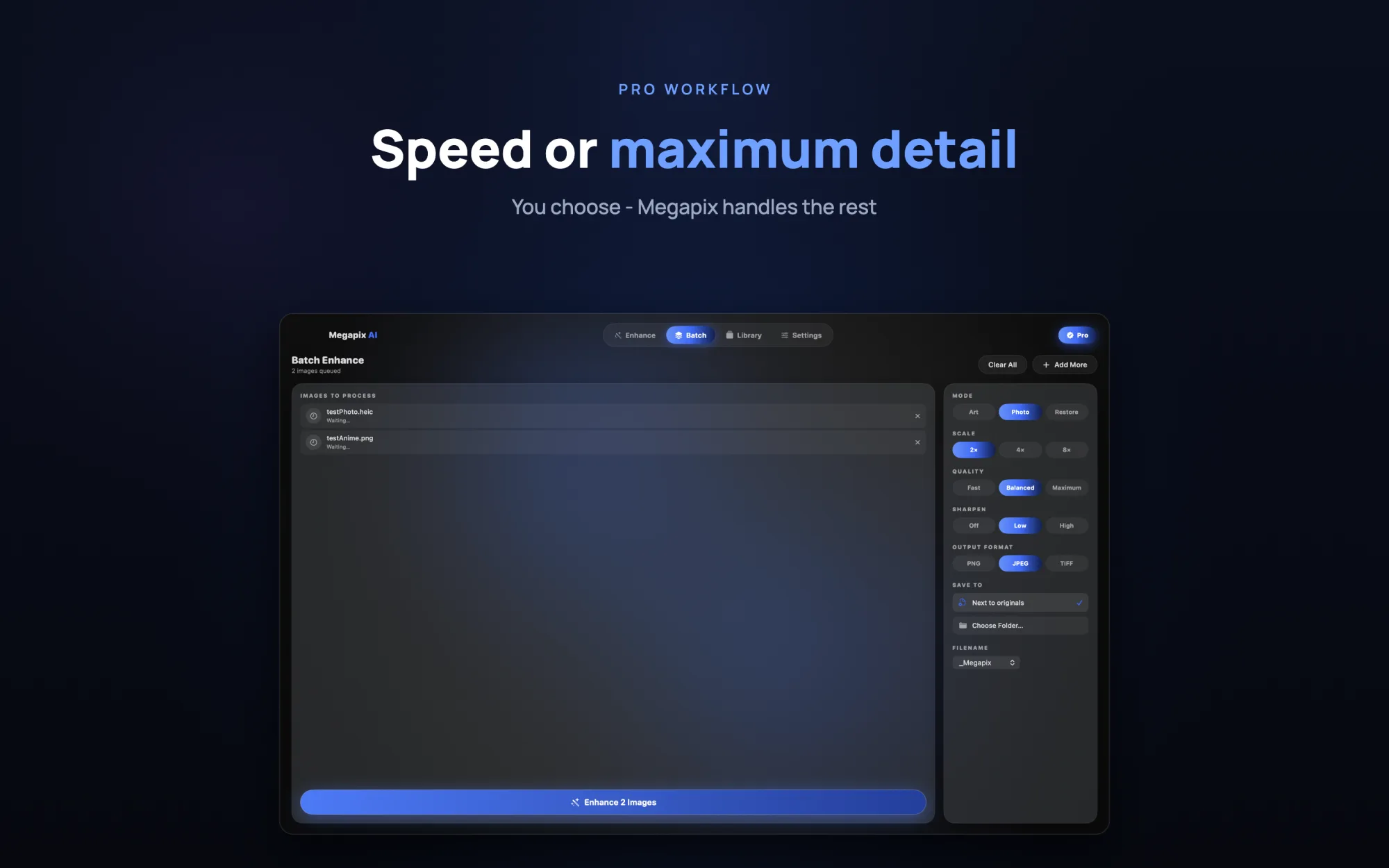
Fast when you're in a hurry, Balanced for most things, Maximum when you want every last bit of detail.
Trained on real photos
The model learned from actual photography, not test charts.
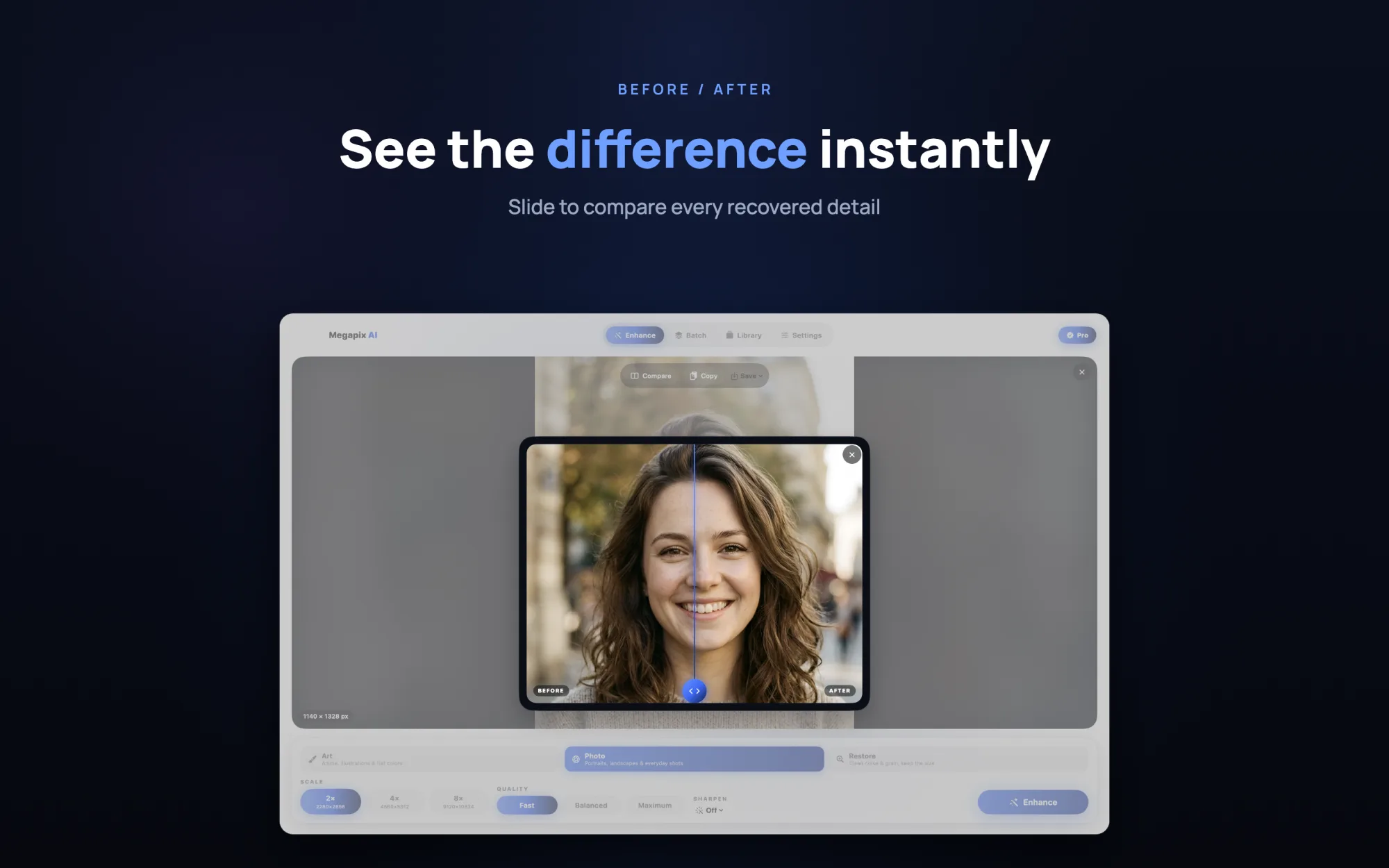
Drag the slider and watch what came back. Each result lands in a library, so you can hold the before and after next to each other and keep the ones you like.
Side-by-side slider
Drag the divider to see exactly what changed.
It keeps your results
Everything you process sticks around to revisit or export again later.
Different pictures need different models. Megapix ships three of them.
For portraits, landscapes and the everyday shots in your camera roll.
Trained on anime, line art and illustration, so edges stay crisp and flat colors stay flat.
Clears noise, grain and artifacts at the original size. This is the one for old scans.
Fast, Balanced and Maximum, the last one adding a denoising pass.

Line art and flat color scaled to 4K without the smeary edges a photo model tends to leave behind.
On-device Vision spots text, faces and the kind of scene it is, then loads the matching model for you.
Tap once and on-device Apple Vision reads the image - text and document detection, face detection, scene classification - then picks the right mode and model for you. Portrait, document, illustration or photo, sorted automatically.
Made for newcomers
No settings to learn - great results on the first try, and it's free for everyone.
Dial each shot in before you enhance it, all locally:
Exposure White Balance (Temp & Tint) Shadow boostSupported RAW formats
DNG, CR2, CR3, NEF, NRW, ARW, RAF, ORF, RW2, PEF, X3F and more.
Megapix opens camera RAW straight from your shoots and debayers it fully on device with Apple's CIRAWFilter pipeline - no cloud, no round-trip. Set exposure, white balance and shadows, then upscale or restore from a clean, full-quality starting point.
Per-image controls
Exposure, White Balance (Temperature & Tint) and Shadow boost, all processed on device.
A tool for photographers
Restore and future-proof your originals for the archive, without anything leaving the device.
Take a 1024 px image up to 4096 and past it. Megapix rebuilds texture rather than smearing the same pixels wider, so faces, edges and surfaces still look right up close.
Cleans as it goes
Grain and JPEG blocking come out, even if you keep the original size.
Good for old photos
Stack Restore and upscaling on a faded family shot and it comes back.
Things you only notice you needed once they're missing.
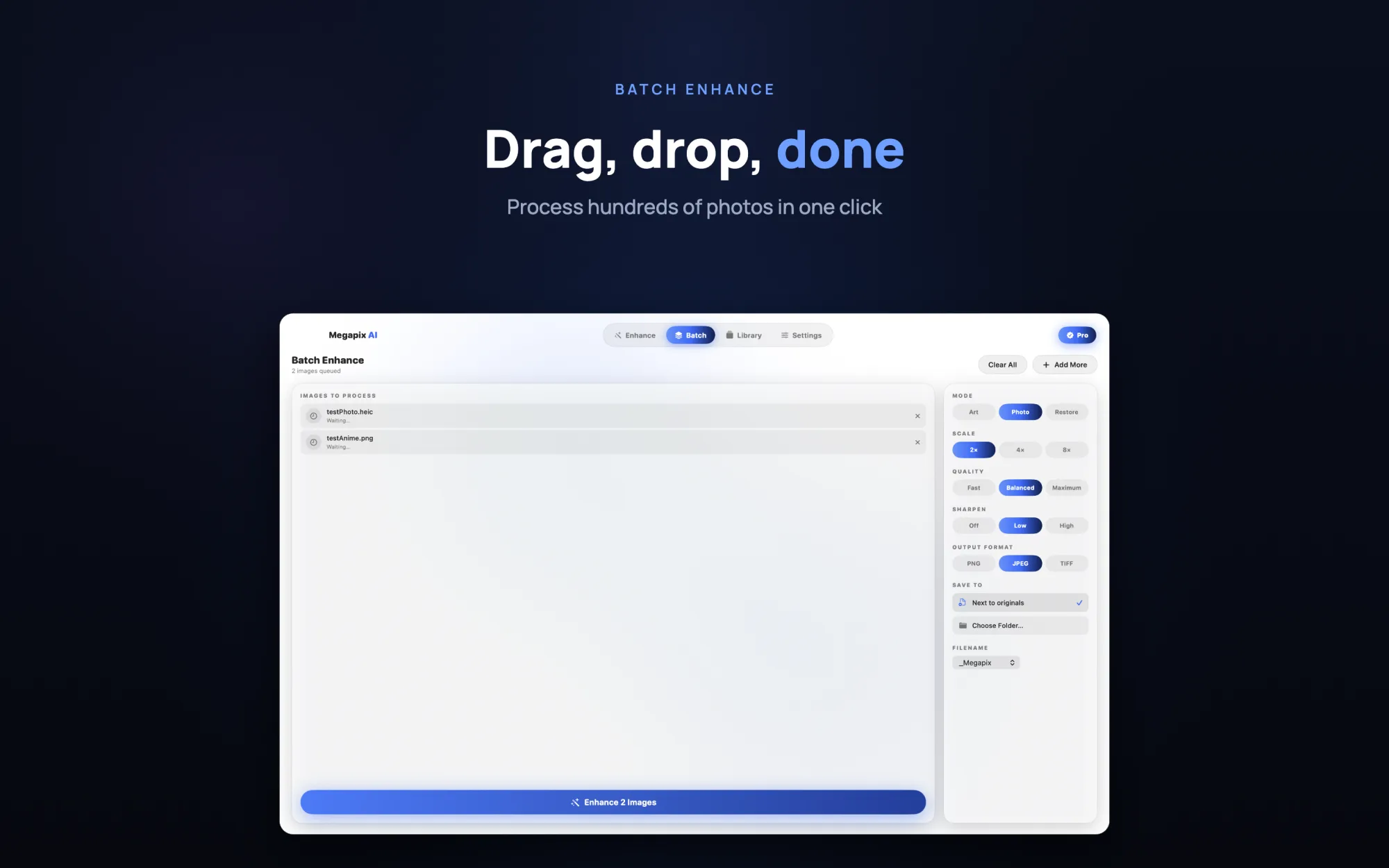
Run up to 20 photos at once on iPhone and iPad, or a whole folder on the Mac, with one set of settings.
The alpha channel survives, so logos and stickers don't come out sitting on a white box.
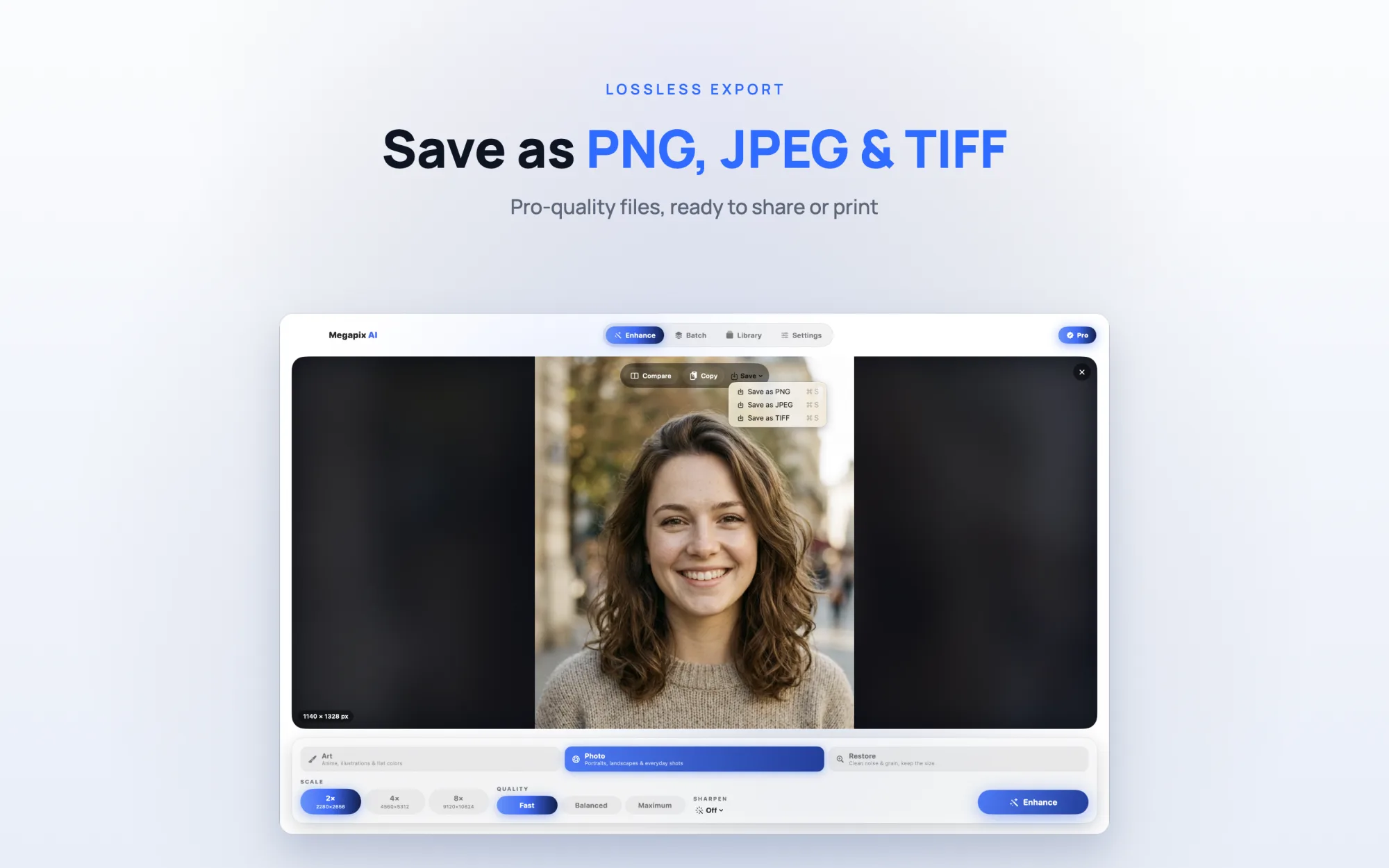
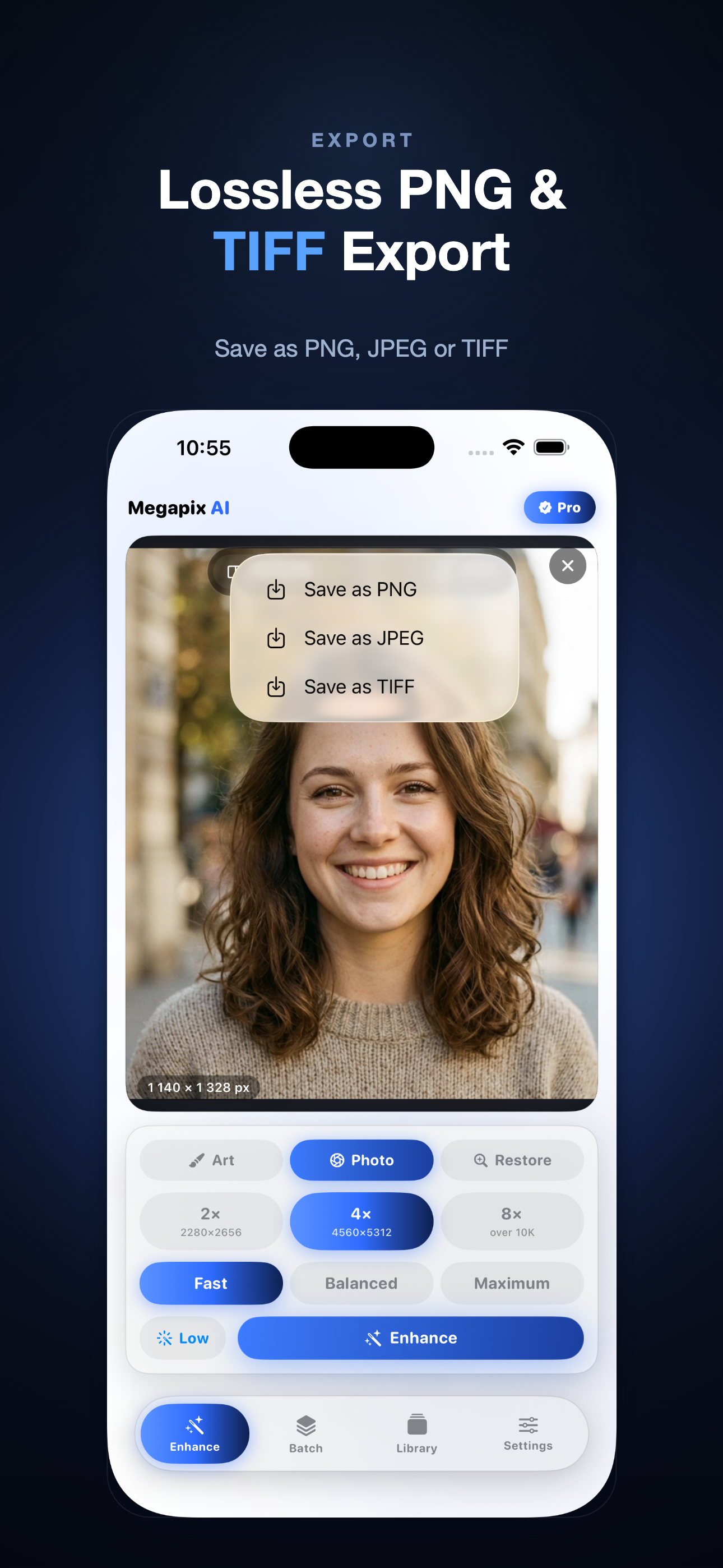
JPEG, PNG or TIFF, all open to everyone. Your files don't sit behind a paywall.
Opens JPEG, PNG, HEIC, TIFF, WebP, GIF, BMP and camera RAW (DNG, CR2, NEF, ARW and more).
Right-click an image and pick "Enhance with Megapix", or just drop it onto the window.
On the Mac, results save next to the original using a filename pattern you set.
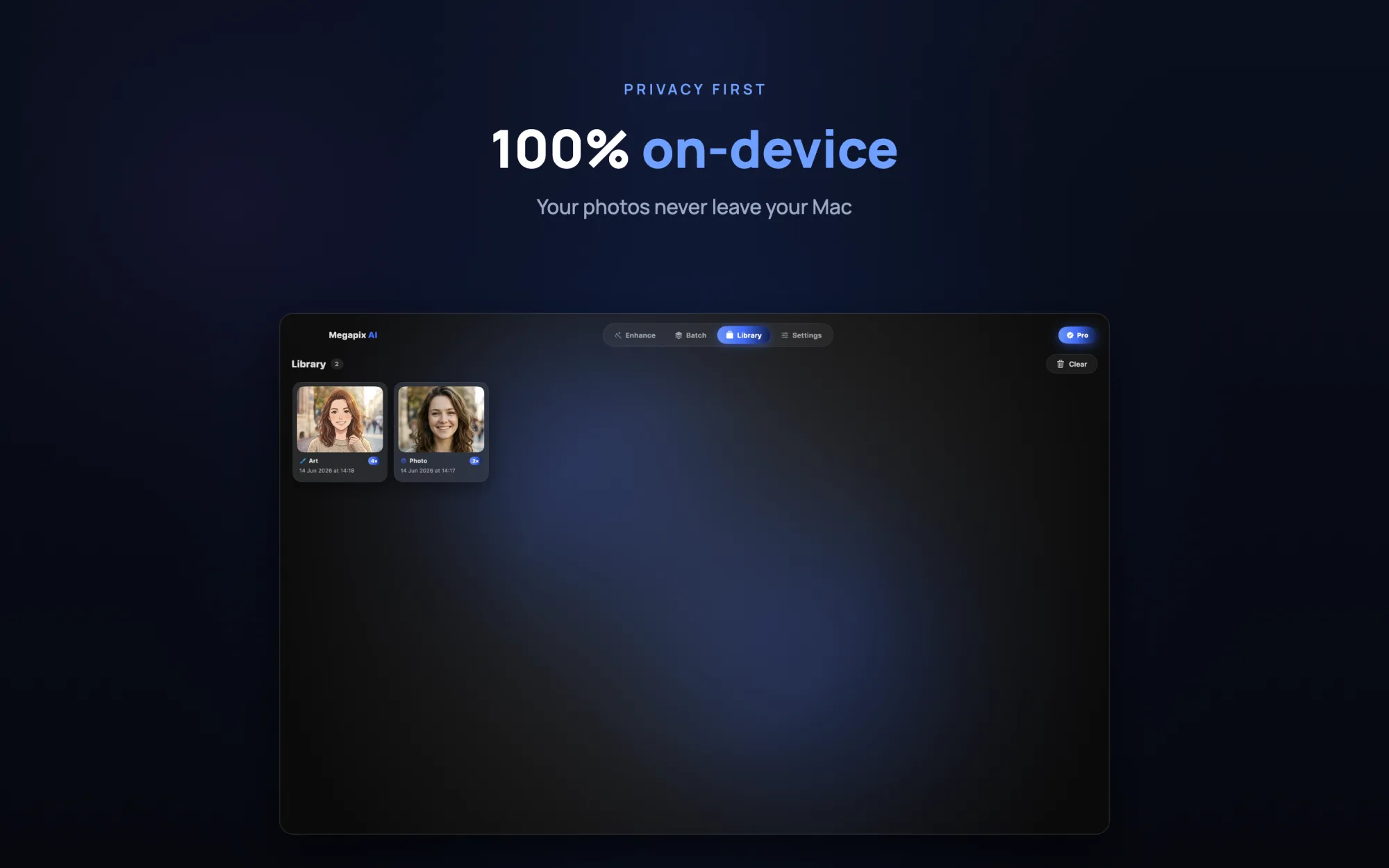
No account, no cloud, no connection needed. The photos never leave your hardware.
Send the finished result straight to the clipboard (Cmd-Shift-C on Mac) and paste it wherever you need it.
Pinch to zoom up to 8x and pan across the result to check the fine detail before you export.
Print prep one day, rescuing a blurry snapshot the next. It slots into whatever you happen to be doing.
A closer look at the upscaling, the modes and getting files back out.
All three modes and on-device processing on iPhone and iPad too - not a cut-down version.
Every export format is free for everyone. Pro just takes the limits off.
Everything you need to get started.
Everything in Free, minus the limits.
Subscriptions are billed through your Apple Account and renew automatically unless cancelled at least 24 hours before the end of the current period. Manage or cancel anytime in Account Settings.
The things people ask before they download.
Megapix AI is a photo upscaler and image enhancer. It increases image resolution by 2x, 4x or 8x up to 4K and 8K, unblurs and sharpens low-quality pictures, removes noise and compression artifacts, and restores old or vintage photos - all with realistic, natural detail.
Yes. Megapix opens camera RAW and debayers it fully on device using Apple's CIRAWFilter pipeline, with per-image controls for Exposure, White Balance (Temperature and Tint) and Shadow boost. Supported formats include DNG, CR2, CR3, NEF, NRW, ARW, RAF, ORF, RW2, PEF, X3F and more. RAW import is free for everyone.
Auto Mode is a one-tap option that uses on-device Apple Vision to analyze your image - detecting text and documents, faces and the overall scene - and automatically picks the right mode and model, whether that's portrait, document, illustration or photo. It is free for everyone.
No. All AI models run locally on your iPhone, iPad or Mac. Your photos never leave the device. There is no account, no cloud and no internet connection required.
Megapix AI runs on iPhone, iPad and Mac. It includes a Photo mode tuned for real photography, an Art & Anime mode for illustrations and line art, and a Restore mode for noise and artifact removal, plus three quality engines: Fast, Balanced and Maximum.
Yes. The free version includes all three modes, 2x and 4x upscaling, the Fast engine and JPEG, PNG and TIFF export, plus RAW import and Auto Mode. Megapix Pro unlocks unlimited enhancements, 8x upscaling, the Balanced and Maximum engines and batch processing.
Every model runs on your iPhone, iPad or Mac. There's no account to set up and no connection to make - the photos simply never leave.
Fast & native
No uploads
Works offline