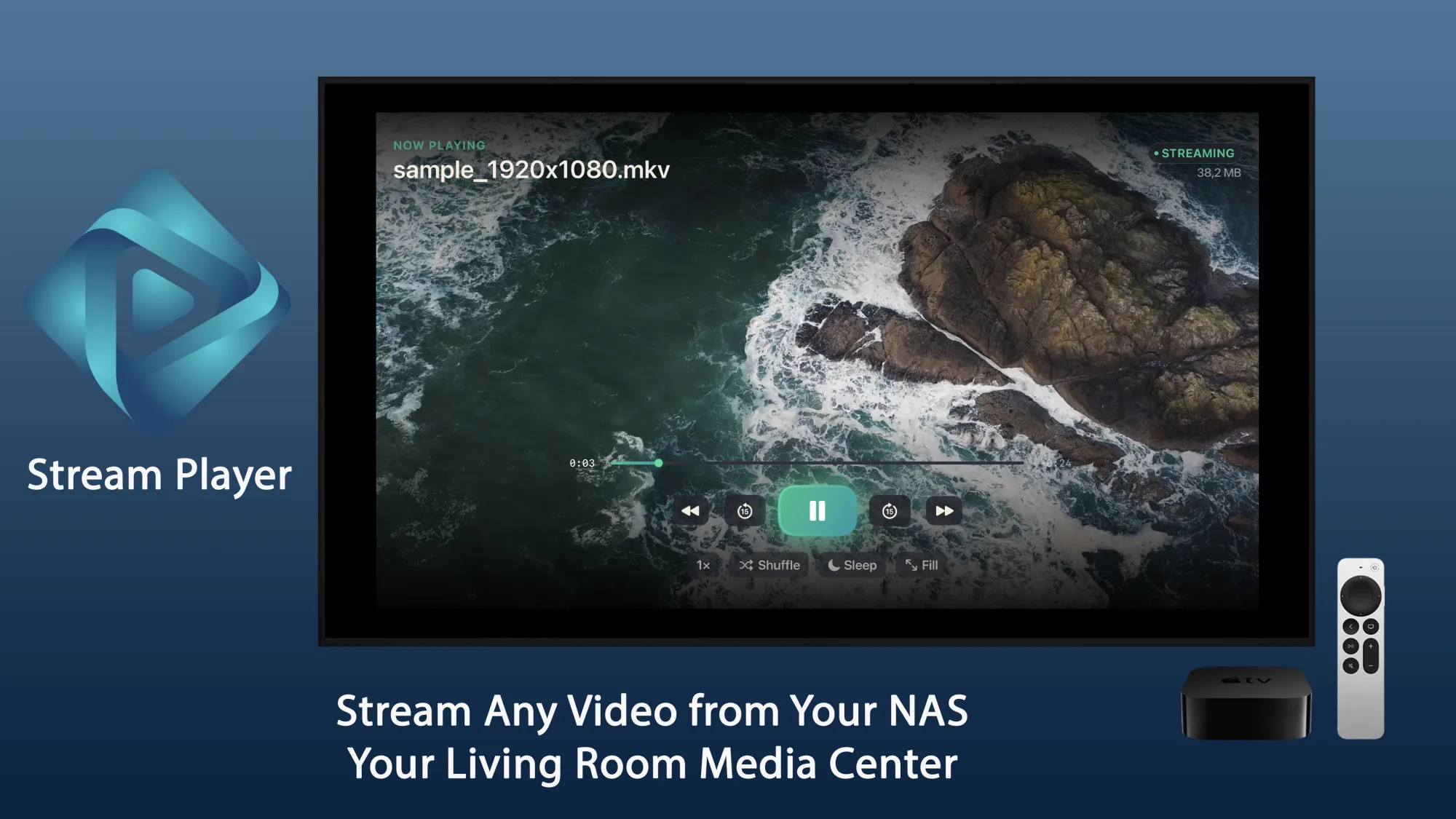
You've already got the files. What's been missing is a painless way to watch them on the big screen. Stream Player lets you browse your servers like a file manager on the Apple TV and play whatever you land on.
Apple TV - tvOSPoint it at a share on your Synology, QNAP, PC or Mac and press play. The file stays put on the server - the Apple TV just reads it.
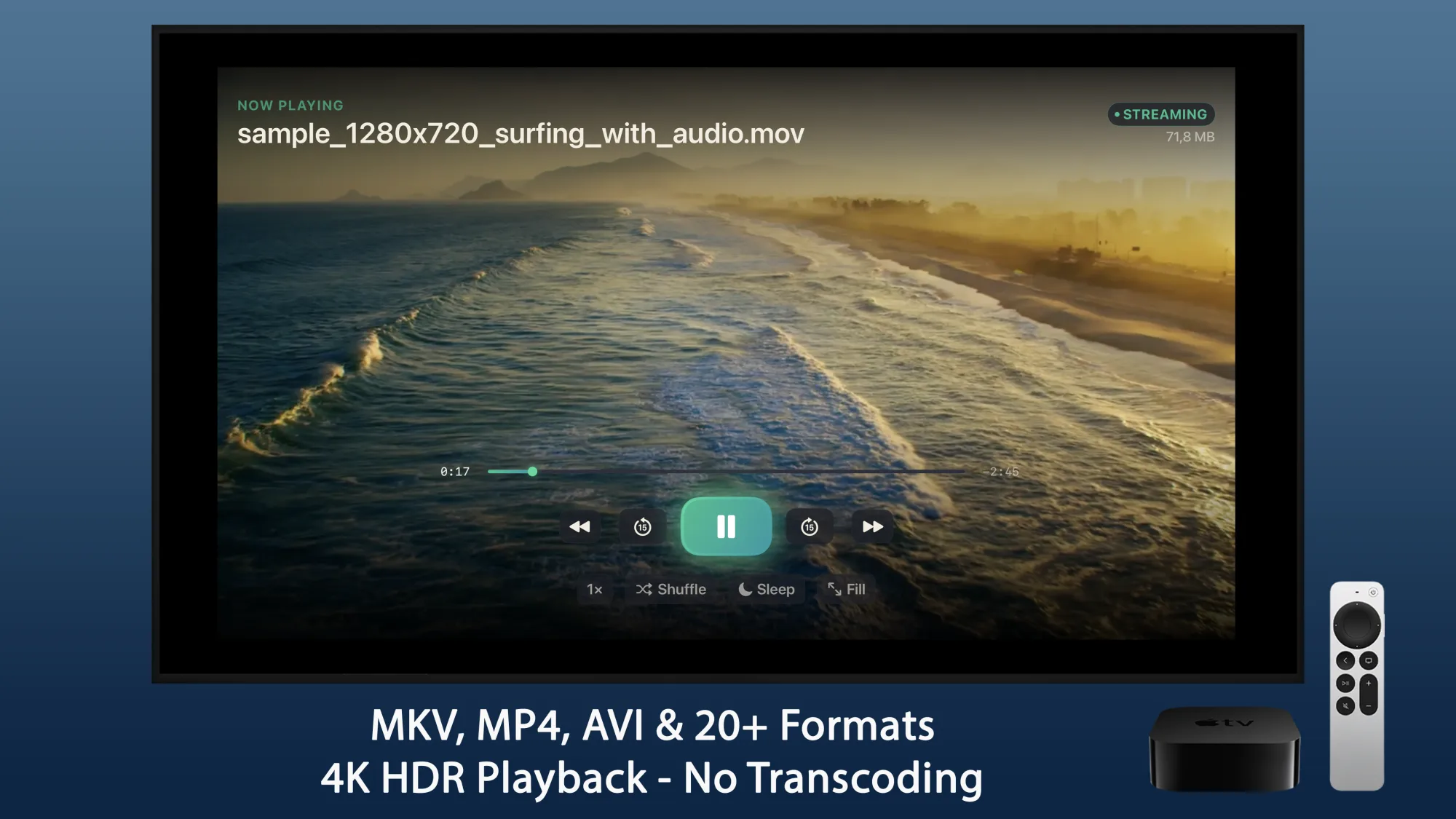
MKV, MP4, AVI, MOV and a couple dozen more play as they are, in full 4K and HDR. Your NAS doesn't get dragged into re-encoding anything.
It all happens on your own network. Nothing to sign up for, nothing uploaded, and no ads wedged between you and your library.
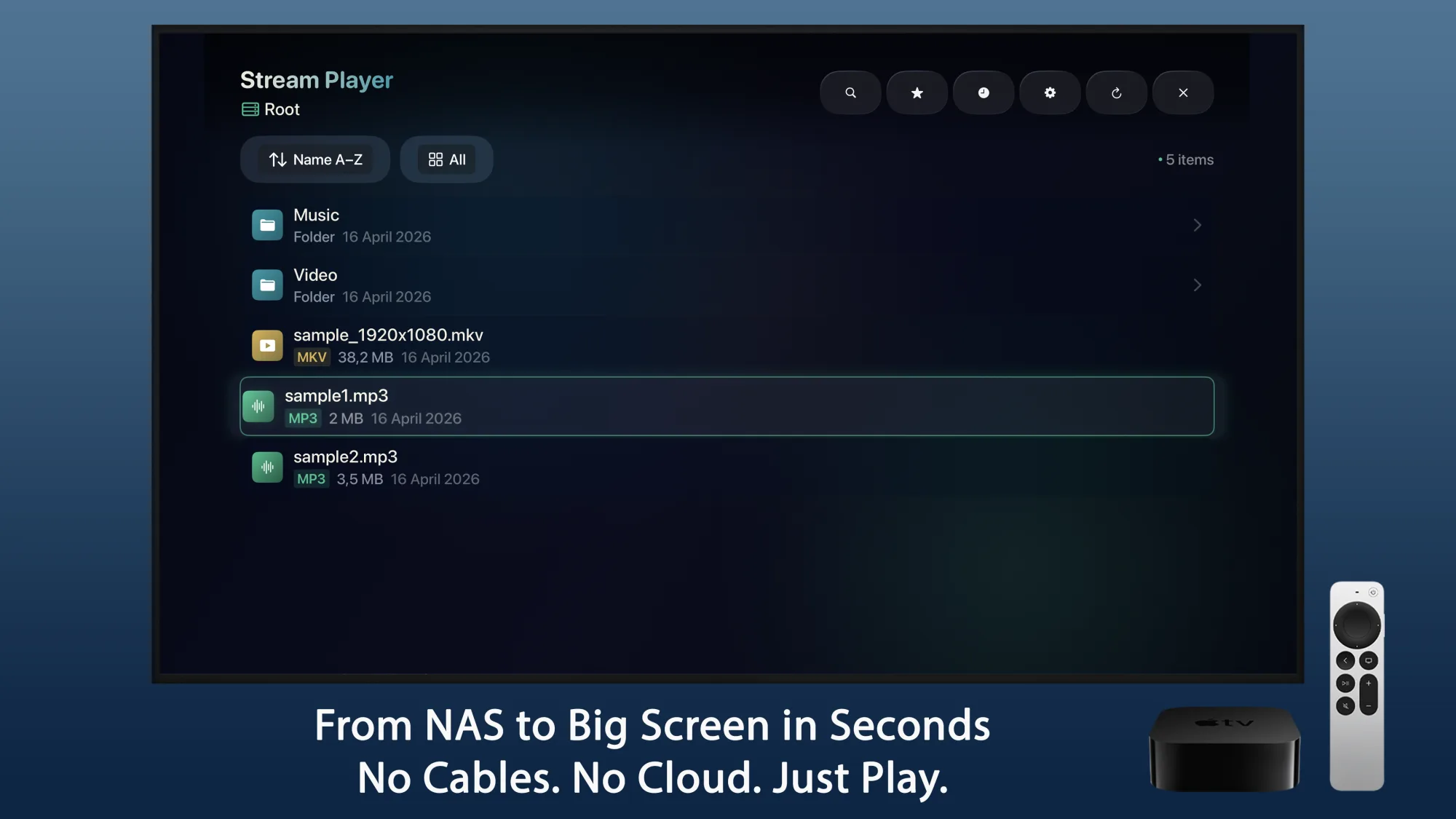
No cables to run, nothing to sync. Stream Player walks your network shares with thumbnails and folders, so the whole library is a click away from the couch.
Instant playback
Hit play and it starts. There's no download to wait on first.
Picks up where you stopped
It remembers your spot between sessions, so you're not scrubbing to find it again.
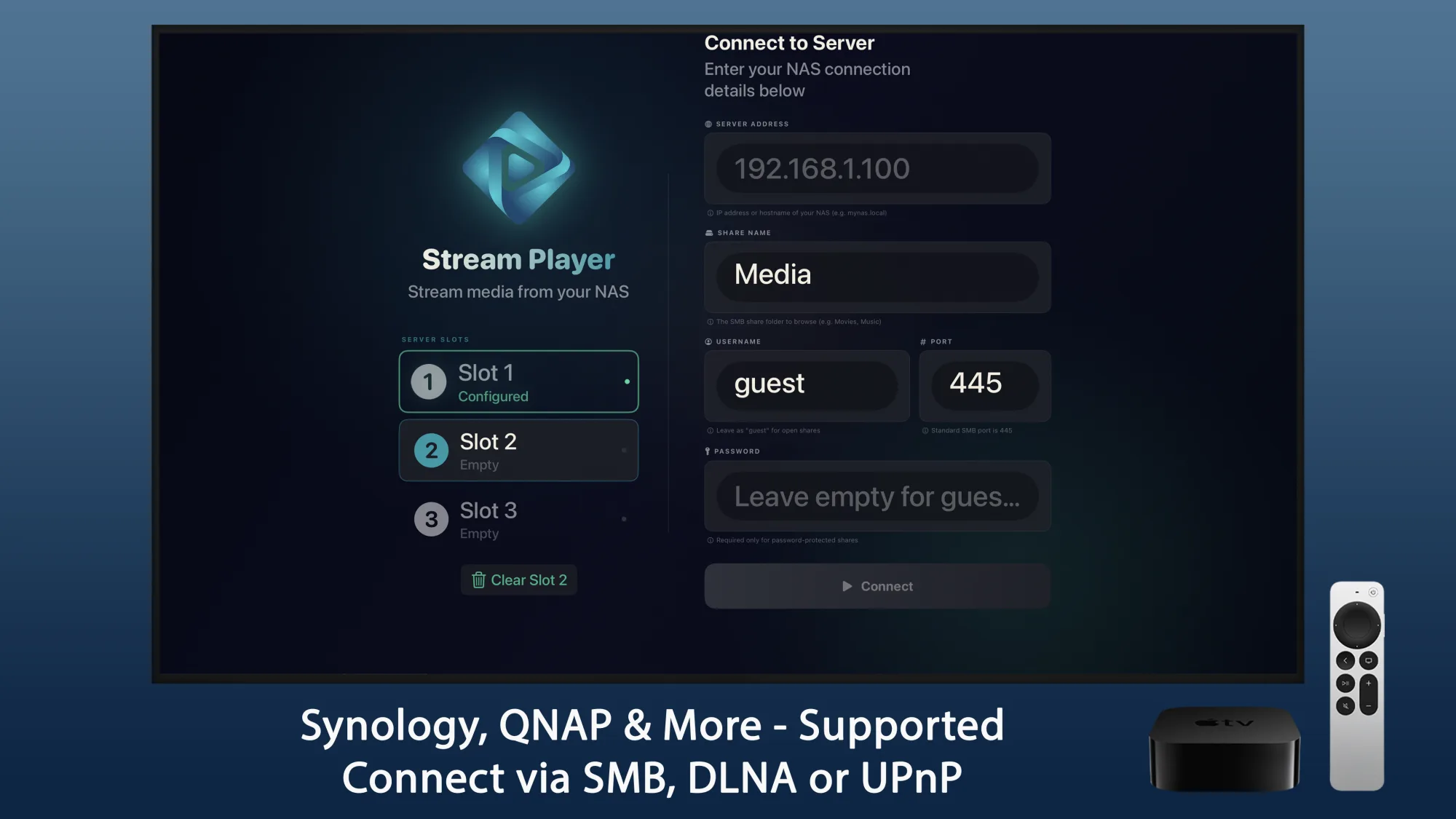
Connect over SMB, DLNA or UPnP - or let the app find compatible servers on your Wi-Fi by itself. Keep a few of them saved in slots and switch with a tap.
Finds servers for you
Compatible boxes on the network just turn up in the list.
Saved server slots
Your NAS connections stay put, ready for next time.
The stuff that starts to matter once there's a few terabytes of video on the NAS.
Plays at full resolution, straight through, with no transcoding on either end.
Surround passes through untouched to your receiver.
External SRT, SSA, ASS and VTT, plus the ones baked into MKV and MP4 files.
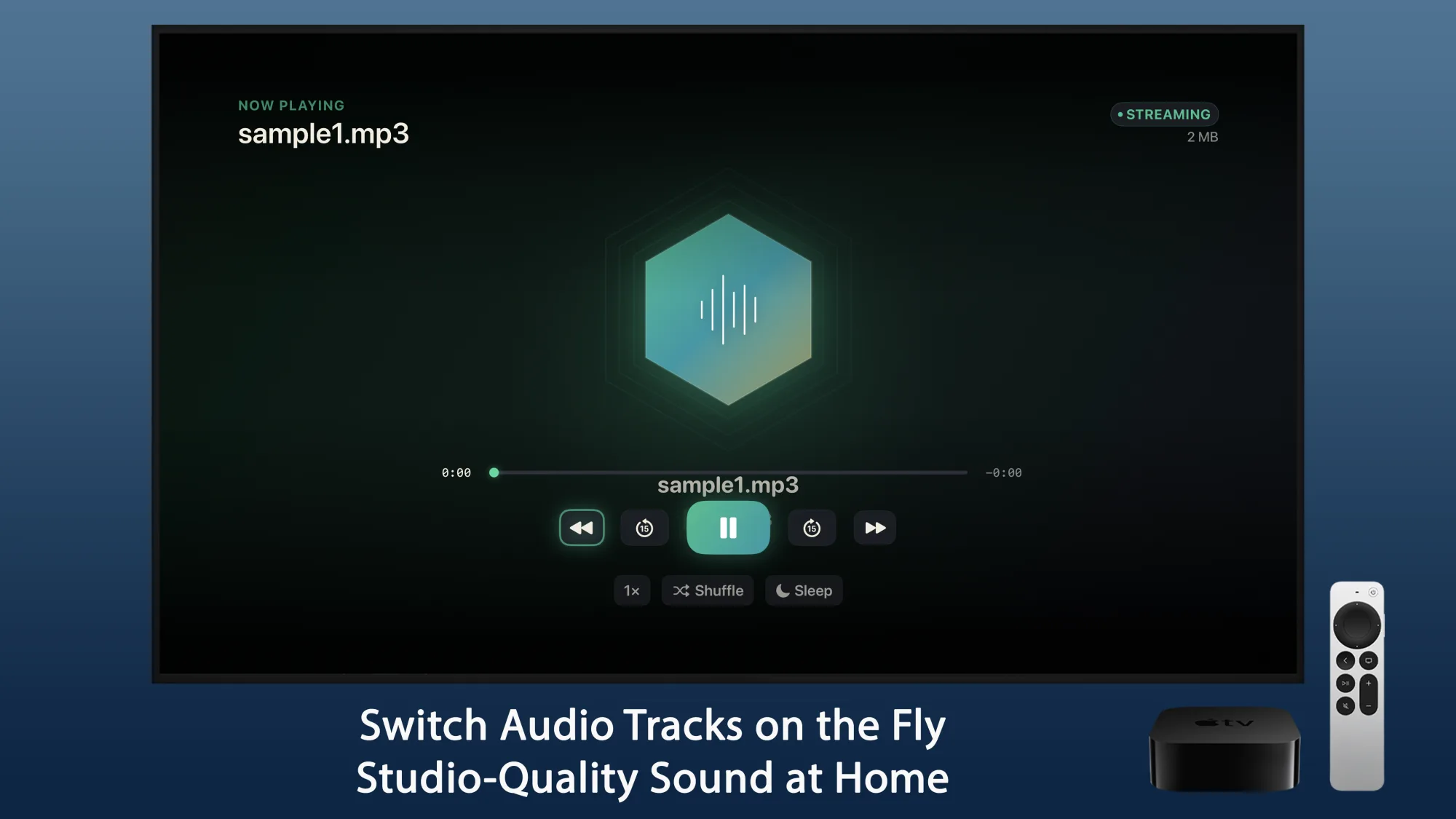
Swap languages or commentary mid-playback. Audio keeps going in the background too.
Shuffle, repeat, and line up what's next without backing out of the player.
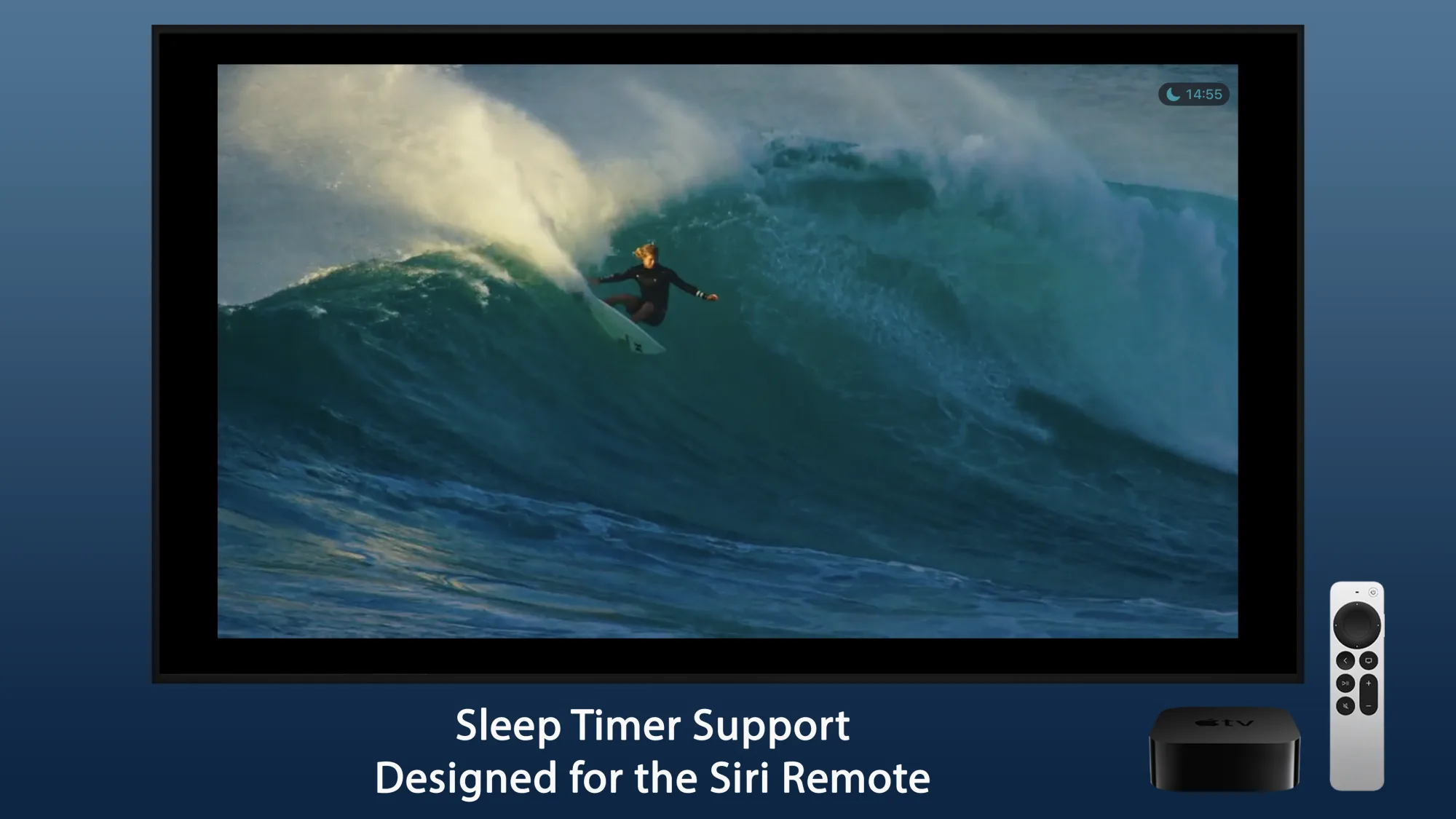
Fall asleep to a film and it'll stop playback on its own.
No transcoding means a file plays exactly as it was encoded. Nothing softens the picture, nothing makes you sit through a conversion, and your NAS isn't pinned doing the work.
Direct play
The file streams untouched, so you see it at its best.
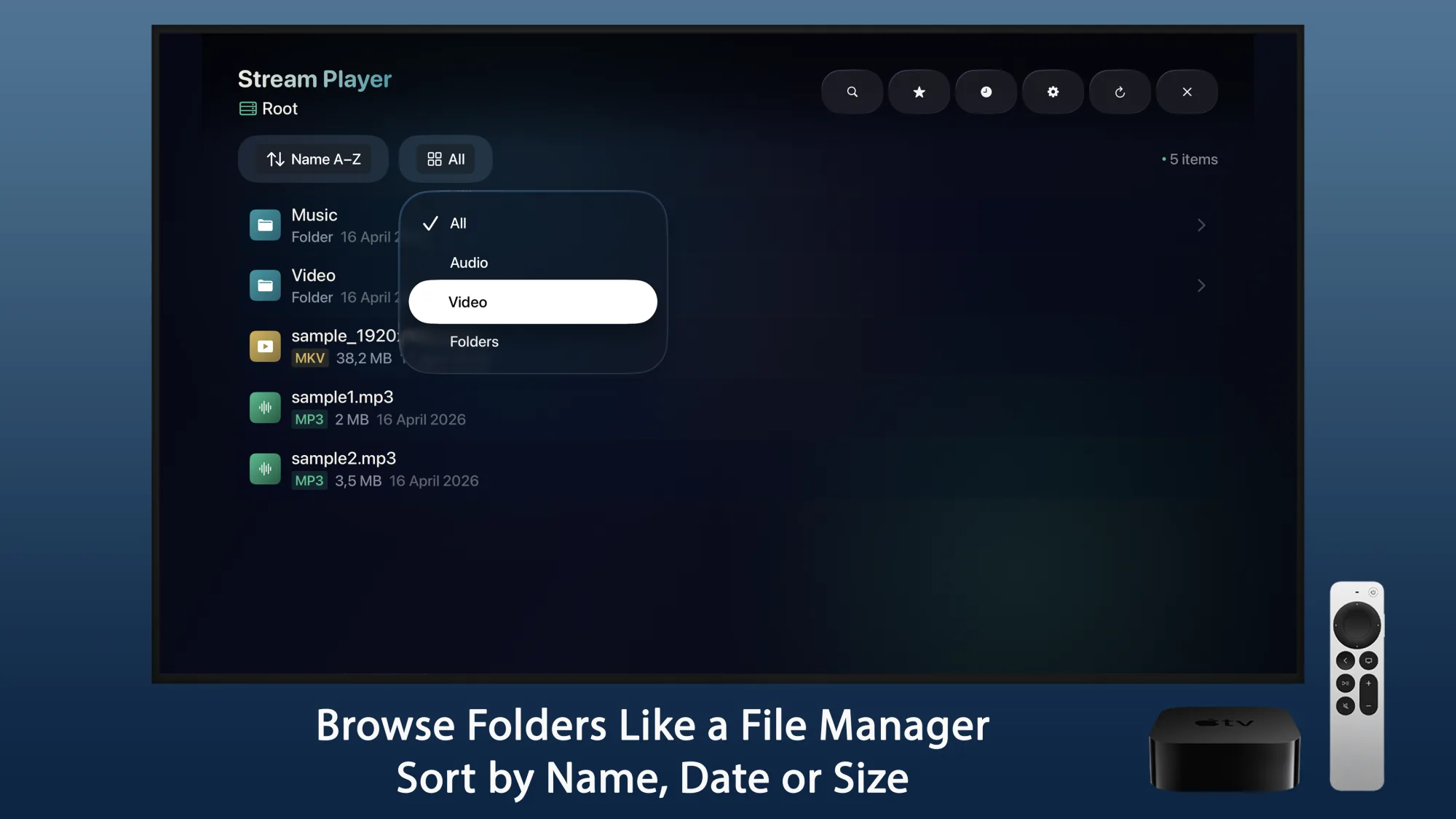
Browse like Finder
Sort by name, date or size, and filter down to audio, video or folders.
Flip between languages or a commentary track without stopping. Step away and the audio keeps playing in the background - it doubles as a music player.
Pick your track
Change the audio mid-film, no restart needed.
Background audio
Music keeps playing while you go off and do something else.
A closer look at browsing, connecting and actually watching something.